Publish and release versions
Saving your Widget and publishing it are separate steps, so you can work on a change without touching the Frames that already run your Widget.
- Save (Ctrl+S, or ⌘S on a Mac) keeps your code and Public Inputs. Only you see a save. Frames keep running what you last published.
- Publish releases your latest save. Every Frame running your Widget picks it up the next time it refreshes.
The toolbar shows the version you last published, and Unpublished changes when you've saved something since.


Publish
- Choose Publish in the toolbar, or File > Publish…. Unsaved changes are saved first.
- The dialog shows the new version number and why. See Version numbers.
- Add Release notes if you like. People read them when they upgrade to a major version.
- Choose Publish.
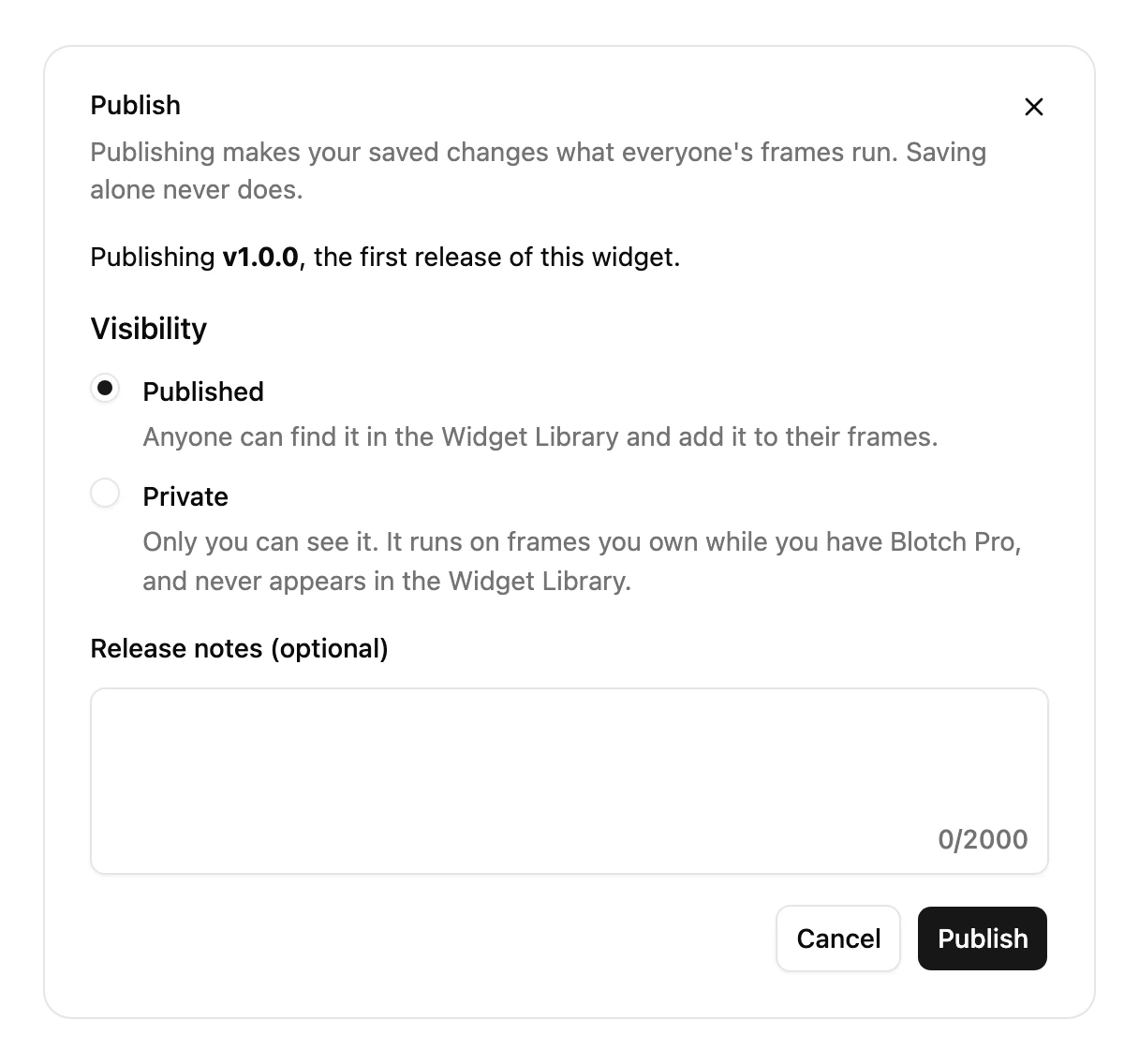
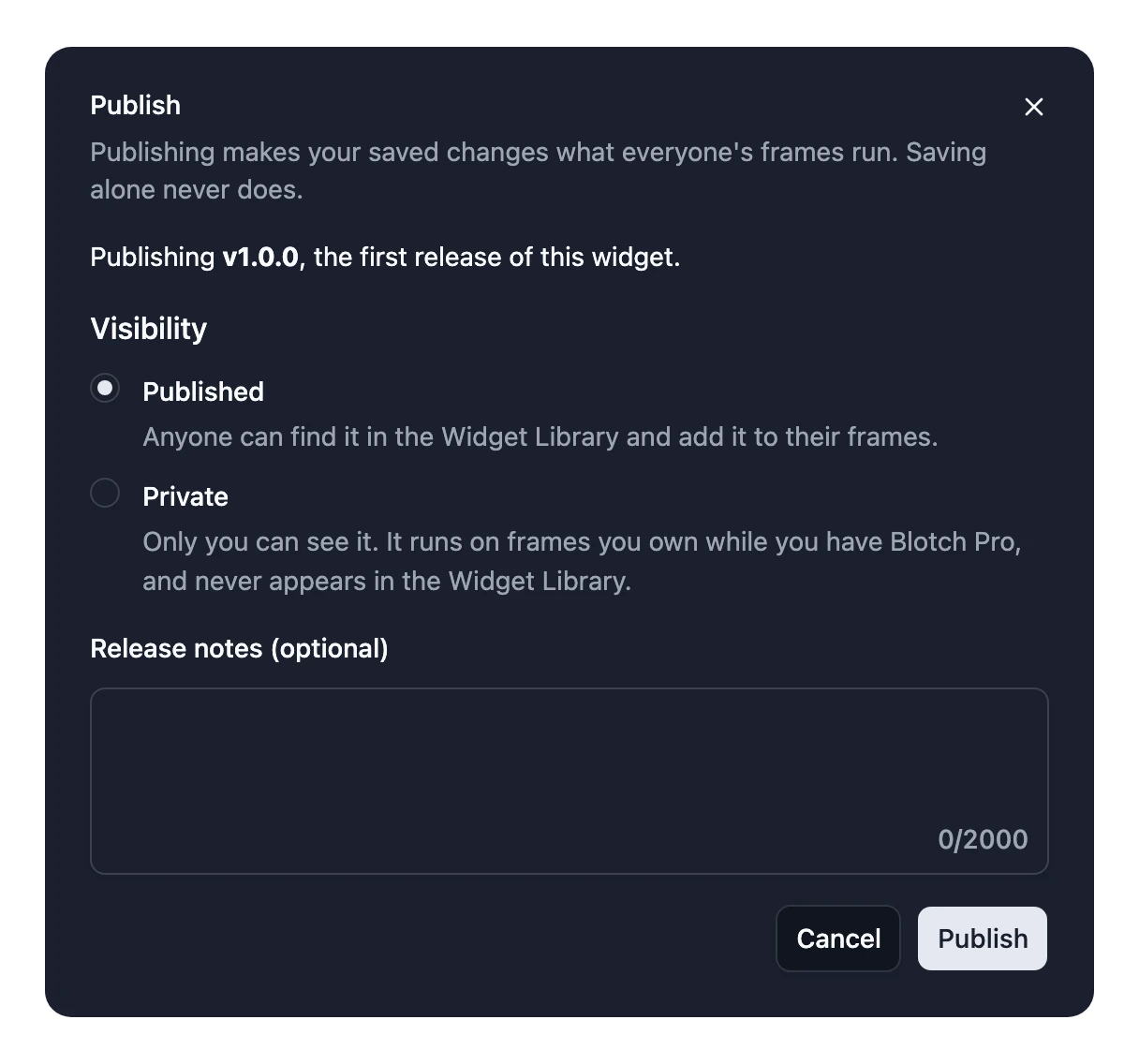
Your first release is 1.0.0, and it's when you choose who can see your Widget: Published for everyone, or Private for just you. See Keep a Widget private.
Publishing checks your Widget first, and stops if it has no code, has too much code, has two Inputs with the same name, or has code that can't be read. TypeScript type errors don't stop it, so fix any red underlines before you publish.
Major versions
Some changes would break what people have set up, such as removing an Input or adding a required one. Blotch releases those as a new major version, such as 2.0.0. People who added your Widget before keep running the version they set up, so nothing breaks on their Frame. They see that an update is available and choose when to upgrade. See Upgrade a Widget.
When you publish a major version, the dialog says how many installs are still on the current one, and asks you to confirm.
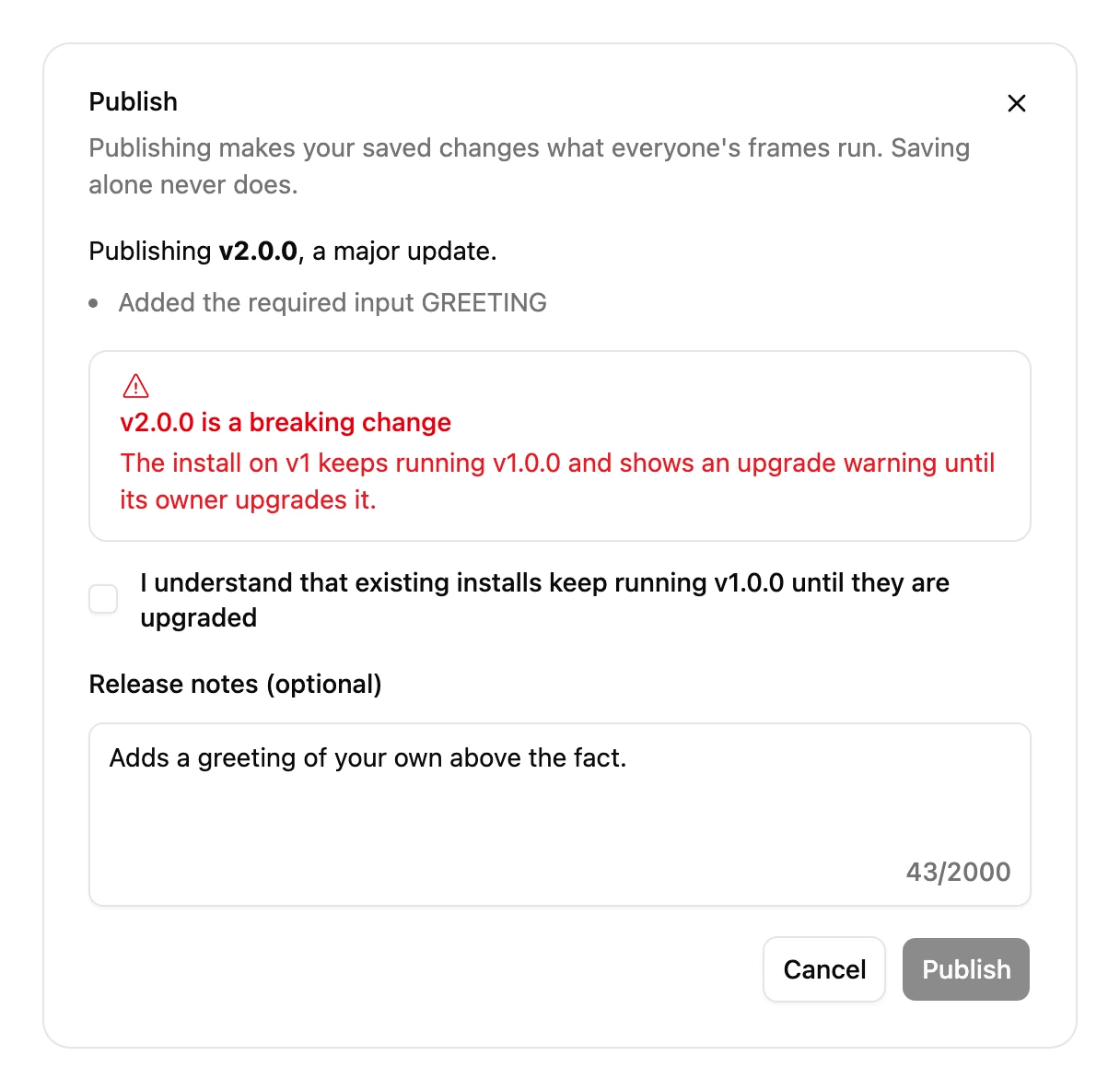
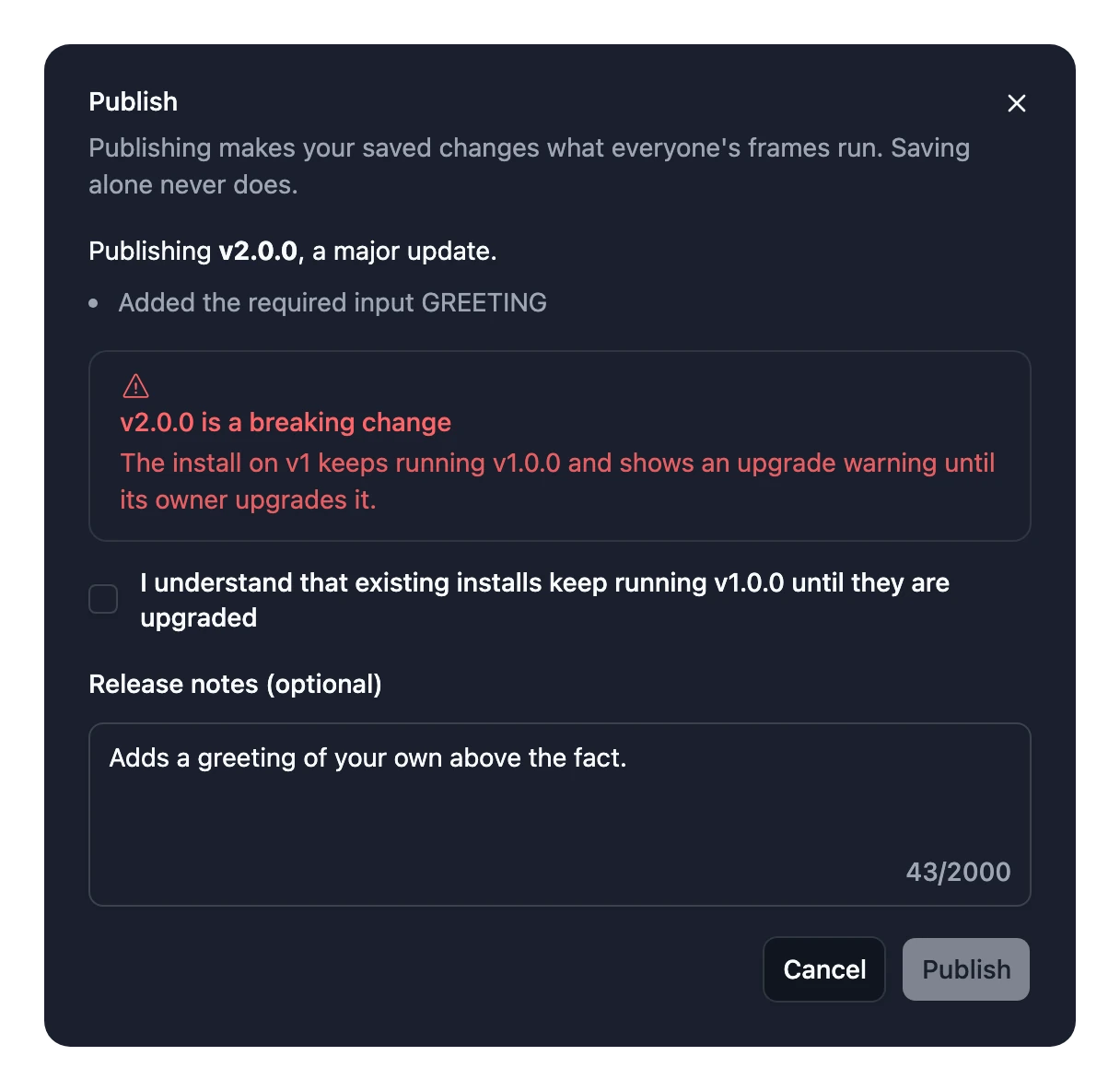
Fixes you publish after a major version only reach people on the newest one. So say what's changed in the release notes, to help people decide to upgrade.
Version History
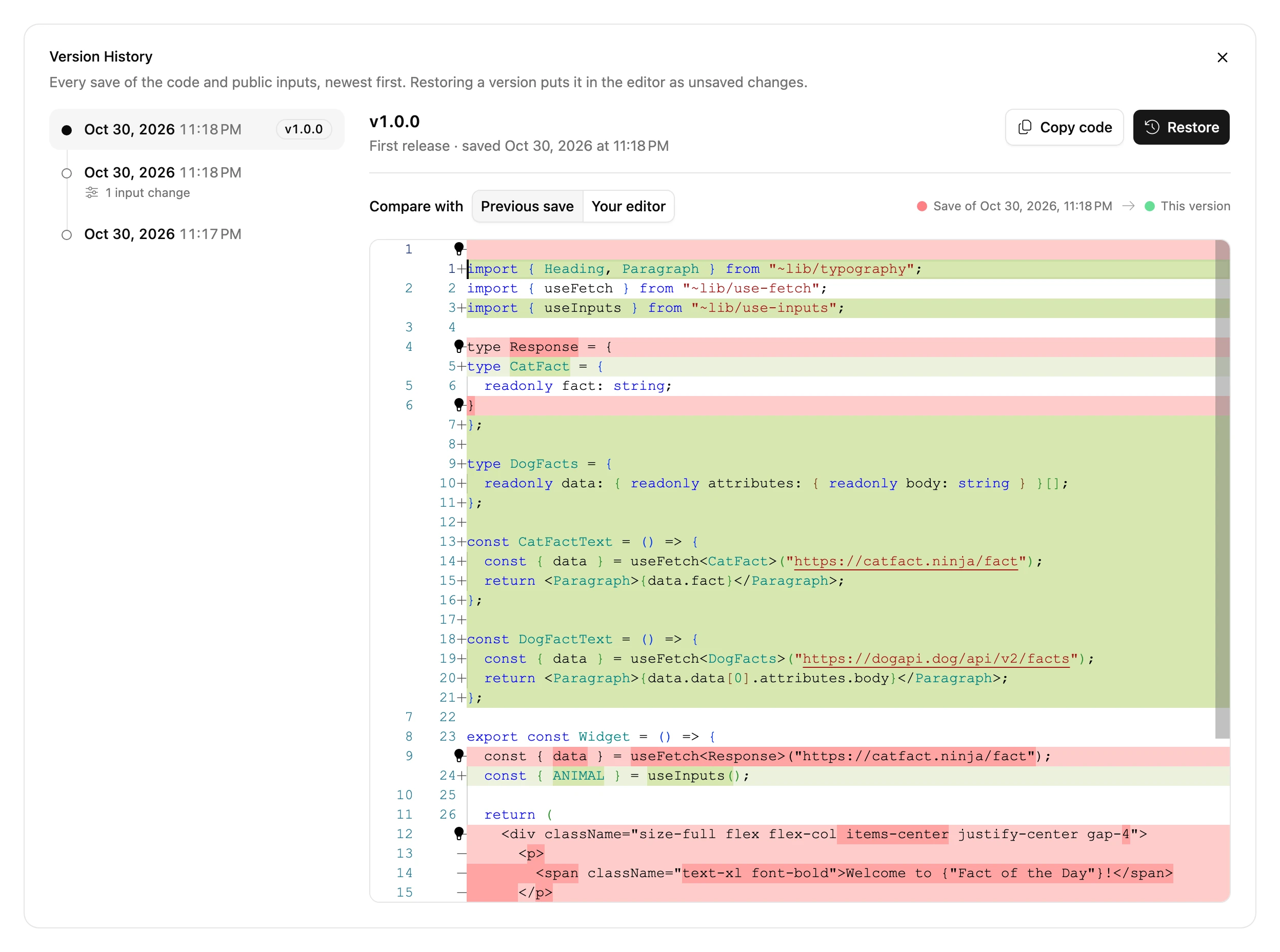
Choose File > Version History… to see every save, with what changed in each. Choose Restore to load an older save into the editor. Nothing is lost: the restored code is an unsaved change until you save it.
What isn't versioned
These are shared by every version, and change every Frame straight away, without publishing:
- Private Inputs
- Images
- The settings of your Integrations. A new Integration is different: people are only asked to connect it when you publish it, as a major version.
- Everything in Widget settings: the name, description, icon, category and visibility.