Connect to an OAuth service
Some services, such as Google, GitHub or Spotify, only share someone's data after they sign in and agree to it. An Integration handles that sign-in, using OAuth 2.0. The person adding your Widget connects their account once, and your Widget gets an access token to call the service for them.
1. Register your Widget with the service
In the service's developer settings, create an OAuth app. When it asks for a Redirect URI, sometimes called a callback URL, enter exactly:
https://console.blotch.app/oauth/callback
The service then gives you a client ID and a client secret, and its documentation lists its authorization endpoint, token endpoint and scopes.
2. Add the Integration
-
In the Widget Studio, choose File > Inputs, then the Integrations tab.
-
Under New Integration, fill in:
Field What to enter Integration Name A name for it, such as github. You use it in your code.Client ID From the service. Client Secret From the service. It's stored securely and never shown again. Authorization Endpoint The service's sign-in address, often ending in /authorize.Token Endpoint The address that hands out tokens, often ending in /token.Scopes The permissions your Widget needs, separated the way the service expects: spaces, commas or +. -
Choose Create New Integration.
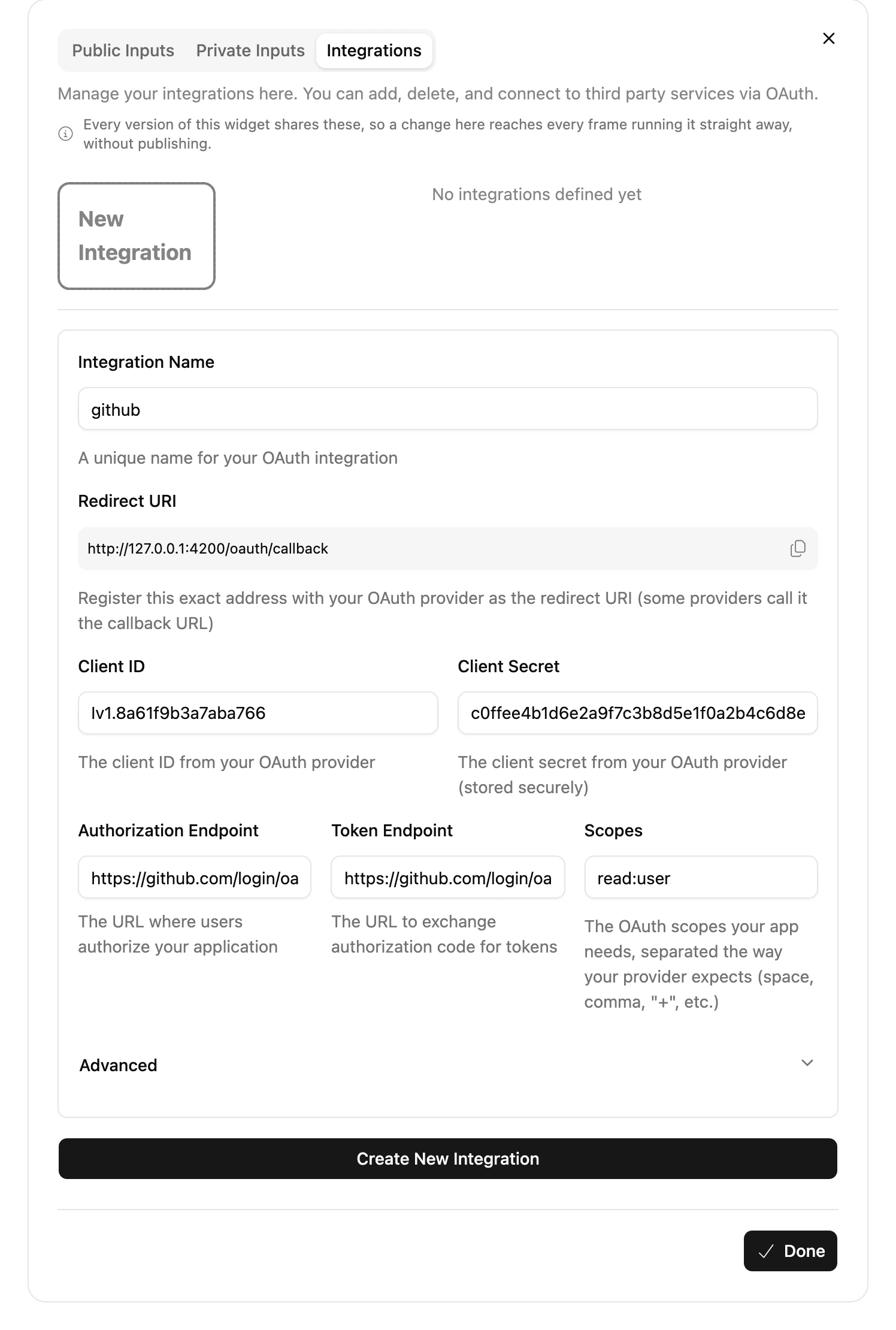
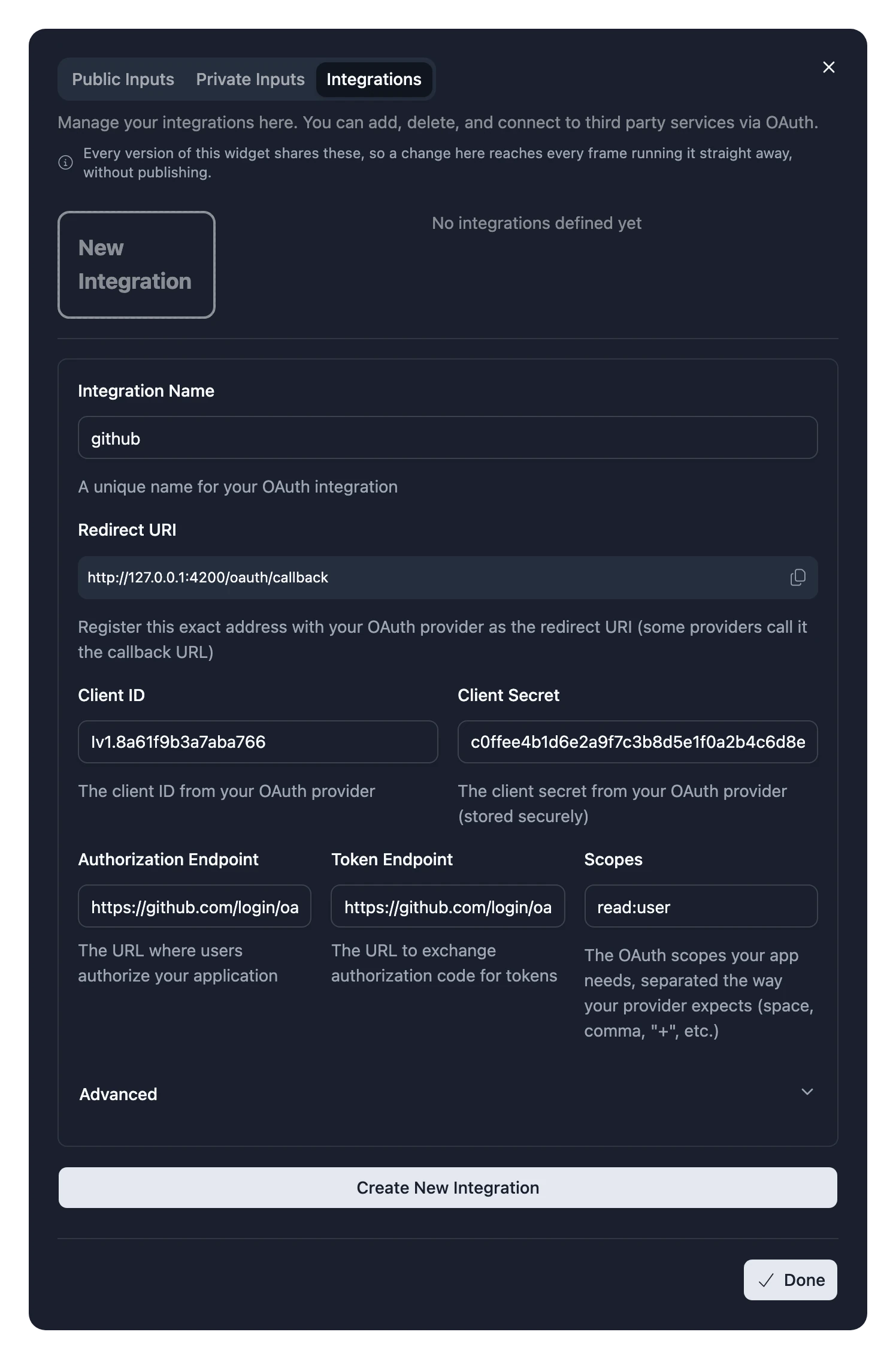
The form also shows the Redirect URI to register, with a button to copy it. If the service uses unusual names for its OAuth parameters, change them under Advanced.
To try the Integration yourself, choose Connect and sign in. Its status changes to Connected.
3. Use it in your code
Wrap the part of your Widget that needs the account in RequireIntegration. Inside it, useIntegration gives you the access token:
import { RequireIntegration, useIntegration } from "~lib/integrations";
import { Paragraph } from "~lib/typography";
import { useFetch } from "~lib/use-fetch";

type GitHubUser = {
  readonly login: string;
};

const Profile = () => {
  const { accessToken } = useIntegration();

  const { data } = useFetch<GitHubUser>("https://api.github.com/user", {
    headers: { Authorization: `Bearer ${accessToken}` },
  });

  return <Paragraph>Signed in as {data.login}</Paragraph>;
};

export const Widget = () => (
  <RequireIntegration name="github">
    <Profile />
  </RequireIntegration>
);
Until someone connects their account, RequireIntegration shows a prompt to connect instead of its contents. Blotch refreshes tokens when they expire.
See Integrations in the reference for everything useIntegration returns.
Adding an Integration later
People are asked to connect a new Integration when they upgrade, so adding one to a Widget that's already published makes the next release a major version. See Version numbers.
Changing an existing Integration's settings applies straight away, without publishing.