Version numbers
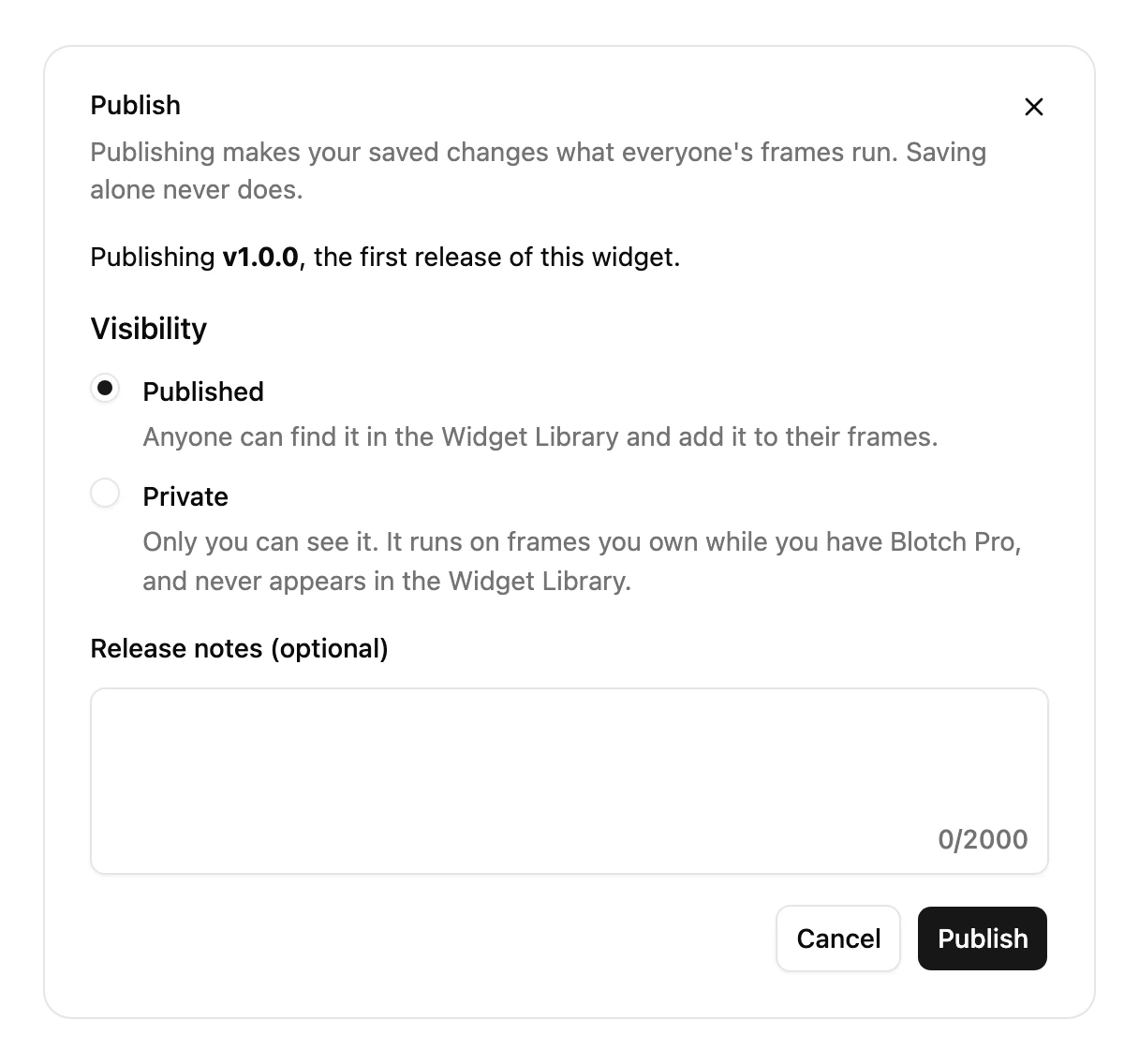
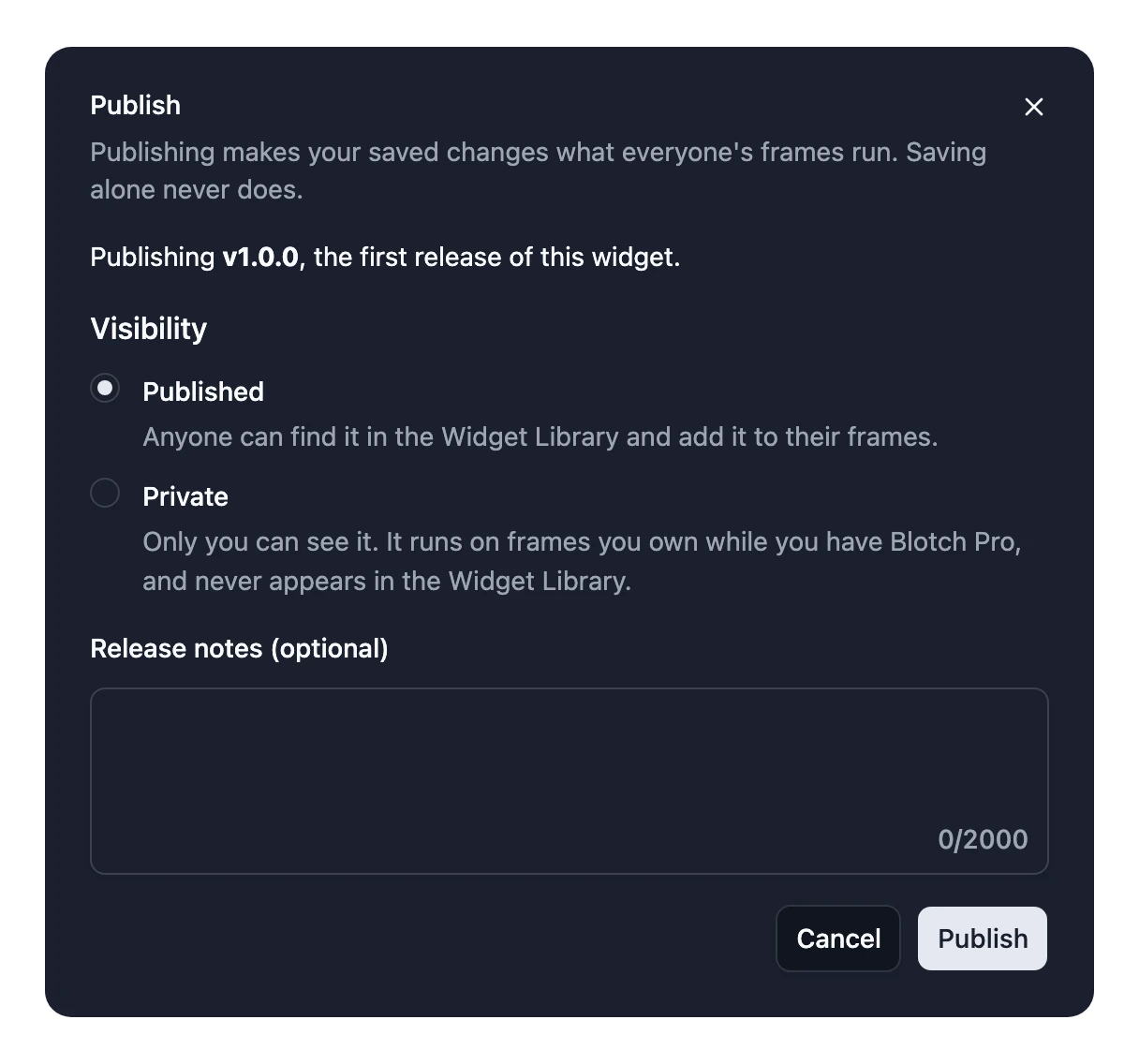
Every release of a Widget gets a version number, such as 2.1.0. You don't pick it: Blotch works it out from what changed for the people using your Widget, and the Publish dialog says which kind of release it is. Your first release is always 1.0.0.
| Release | Example | When |
|---|---|---|
| Patch | 2.1.0 → 2.1.1 | Nothing changes for the people using it, such as a code change. |
| Minor | 2.1.0 → 2.2.0 | Something new they can ignore. |
| Major | 2.1.0 → 3.0.0 | Something that would break what they've set up. They choose when to upgrade. |
What each change counts as
| Change | Release |
|---|---|
| Code only, or reordering Inputs | Patch |
| Changing an Input's description | Patch |
| Removing an Integration | Patch |
| Adding an optional Input | Minor |
| Adding an option to a Select | Minor |
| Making a required Input optional | Minor |
| Adding a required Input | Major |
| Removing or renaming an Input | Major |
| Changing an Input's type | Major |
| Removing an option | Major |
| Making an optional Input required | Major |
| Adding an Integration | Major |
When a release has several changes, the biggest one decides.
After a major release, people who added your Widget earlier keep running the version they set up until they upgrade. See Publish and release versions.