Keep a Widget private
A Private Widget runs on your own Frames without being published to the Widget Library. Use one for a Widget only you need, such as one showing your own accounts, or to try a Widget on your Frame before anyone else sees it.
Private Widgets come with Pro.
What makes a Widget private
- Only you can see it, its code and its previews.
- It never appears in the Widget Library or in search, and nobody can remix it.
- Only you can add it to a Frame, and only to Frames you're an Admin of. People you share those Frames with see it on the Frame, but can't open it or add it to their own Frames.
Make a Widget private
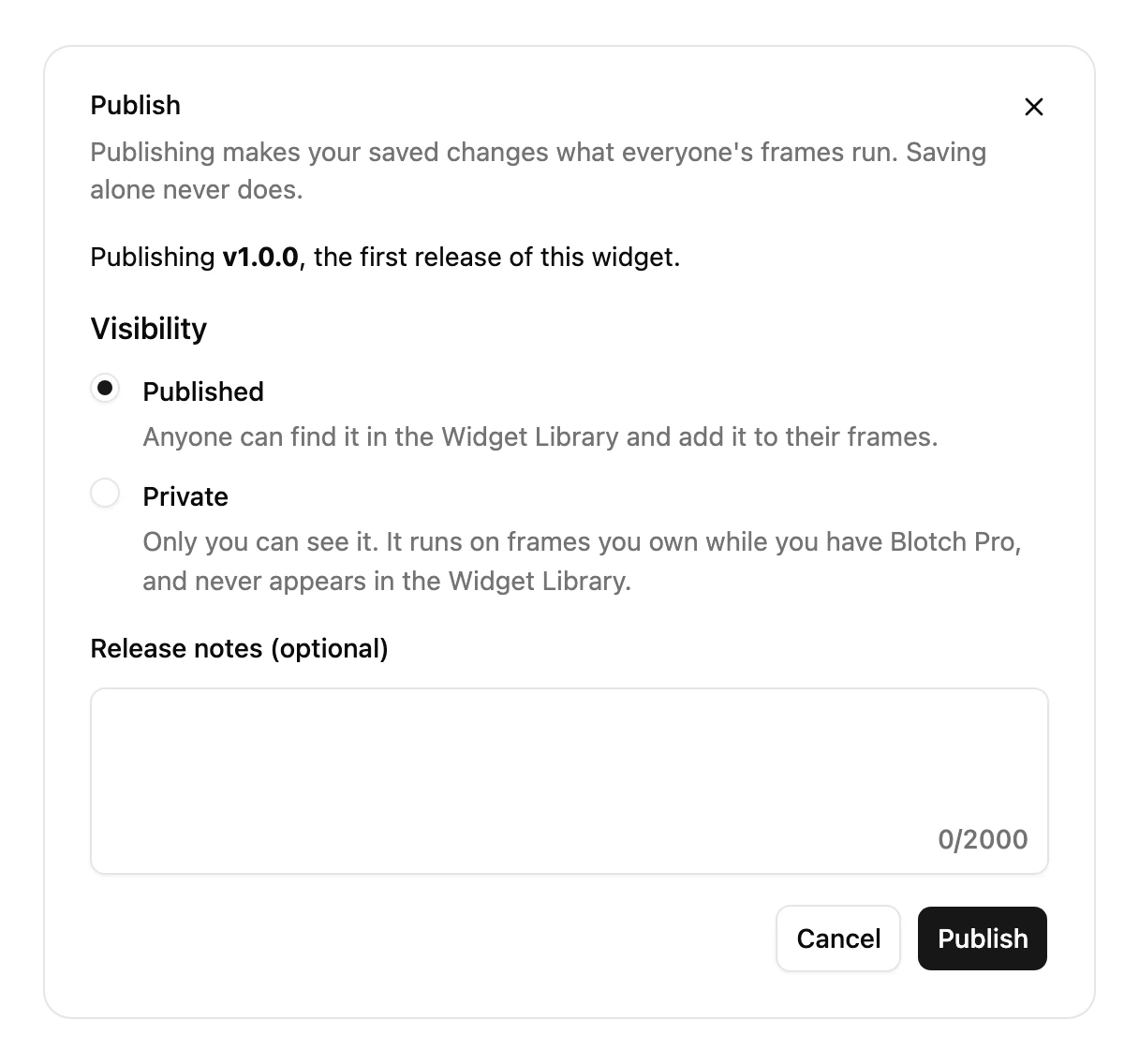
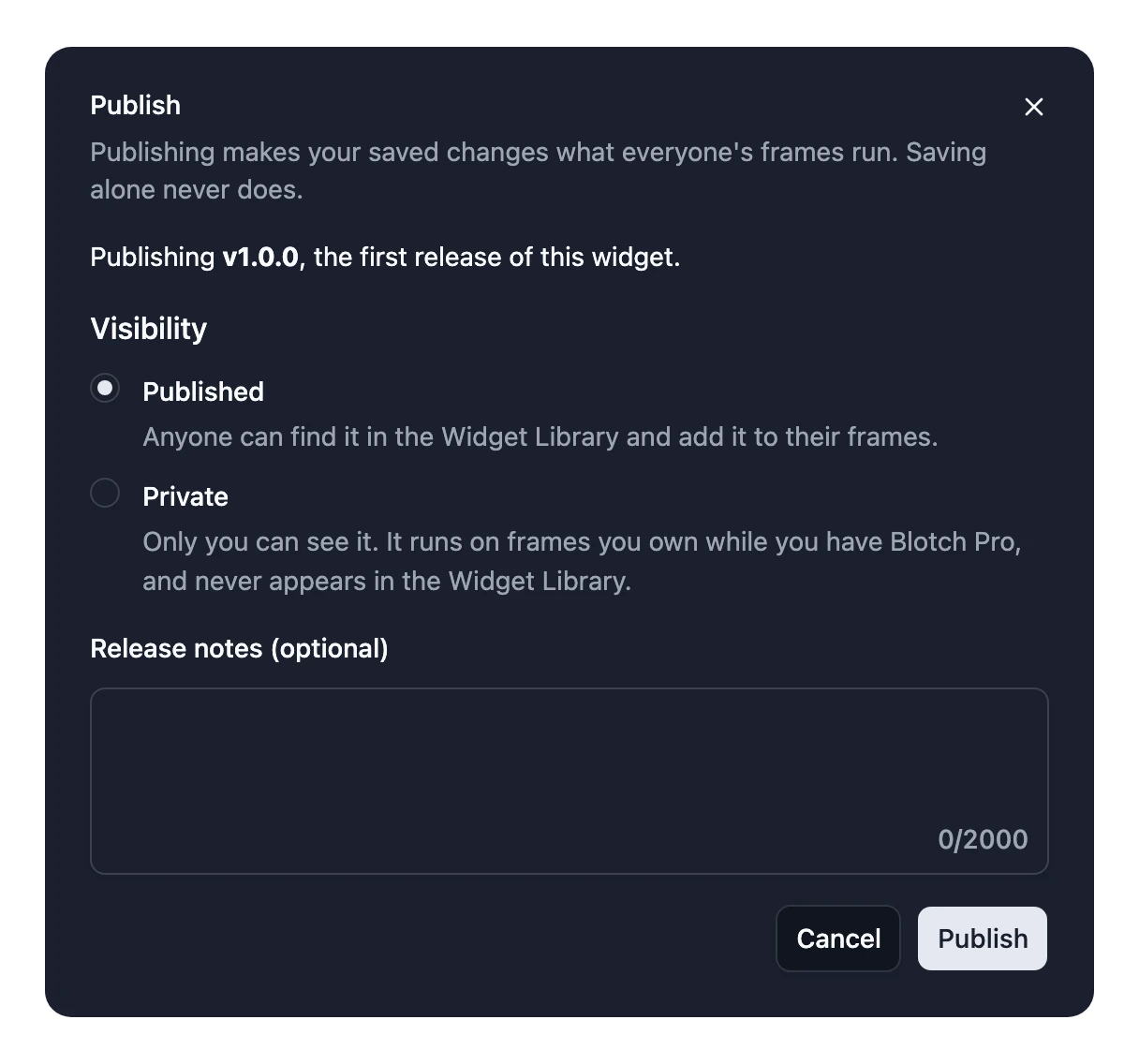
When you publish a new Widget for the first time, choose Private in the Publish dialog. See Publish and release versions.
To make a Widget you've already published private:
- Open it in the Widget Studio.
- Choose File > Widget Config.
- Set Visibility to Private and choose Done.
This only works until the Widget is installed on a Frame, yours included. After that, it can't become private.
Your Private Widgets are listed on your profile under Private. To add one to your Frame, find it in the Widget Library's Your Creations tab.
If Pro ends
Your Frames show a Private Widget notice in place of each Private Widget. They come back as soon as you get Pro again. Or publish the Widget, so it works without Pro.
Drafts
A Widget you haven't published yet is a Draft. Only you can see it, and it can't be added to a Frame. To try it on your own Frame, publish it as Private.