Virtual Frames
A Virtual Frame is a Frame that lives only in the Console. It has Pages, Widgets and a schedule like a Blotch Smart Frame, and you see it on your dashboard, but nothing is drawn on a real screen.
Use one to:
- Try Blotch before your Blotch Smart Frame arrives.
- Set up Pages ahead of time, then move them onto a Blotch Smart Frame.
- Plan a layout without changing what your real Frame shows.
Create one
You need to have verified your email address first.
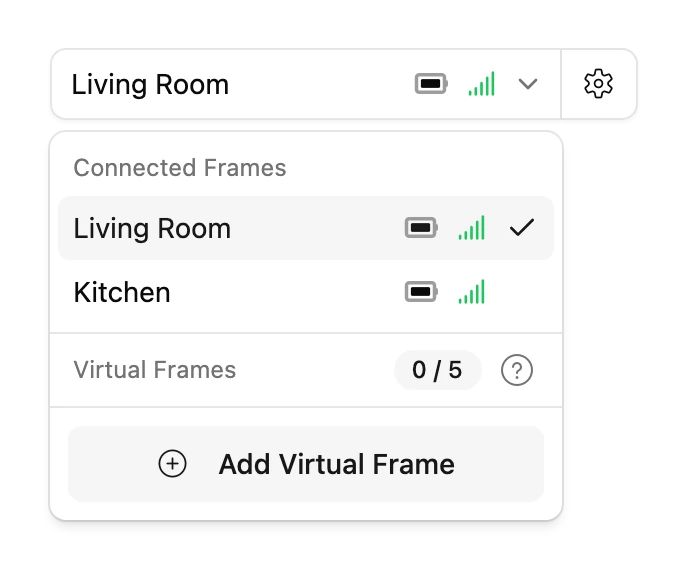
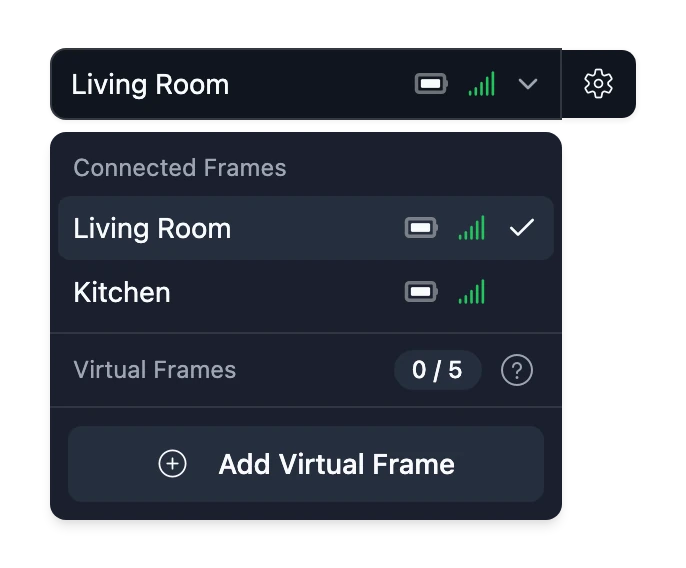
- Open the frame selector at the top right of the Console and choose Add Virtual Frame. If you have no Frames yet, choose Open virtual frame on your dashboard instead.
- Give it a name and an orientation, then a theme, a time zone and how it's scheduled.
- Choose Create frame.
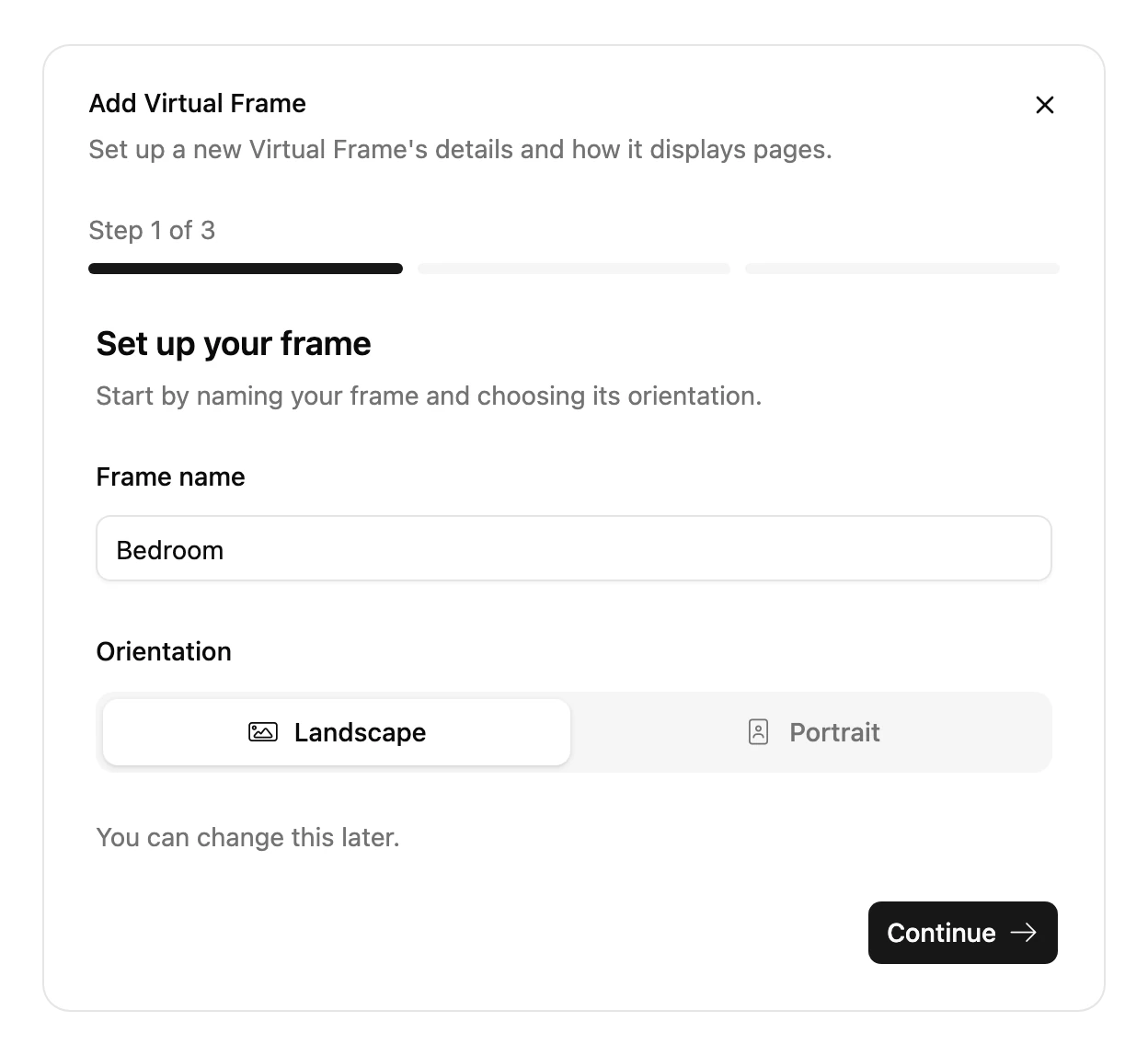
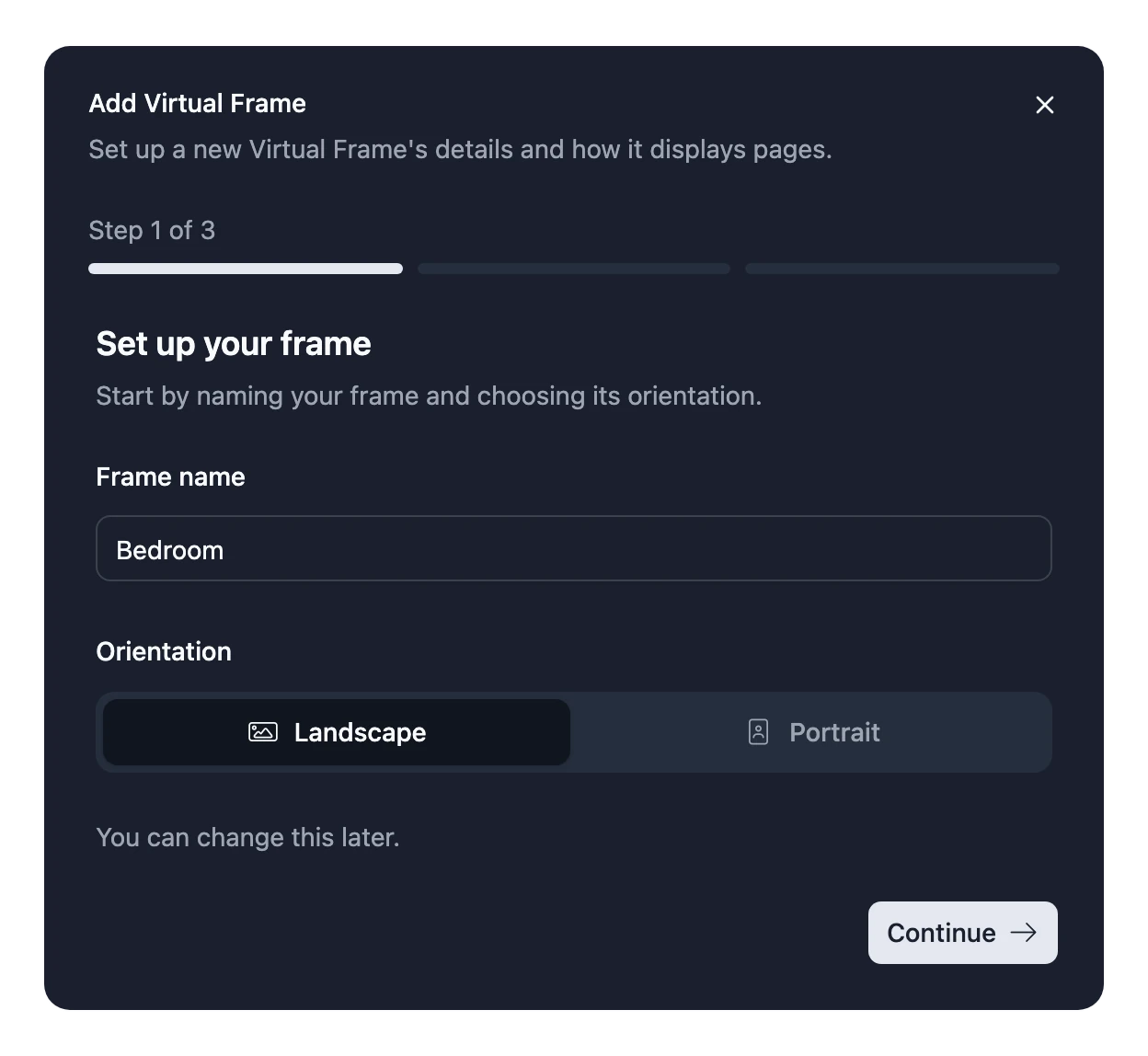
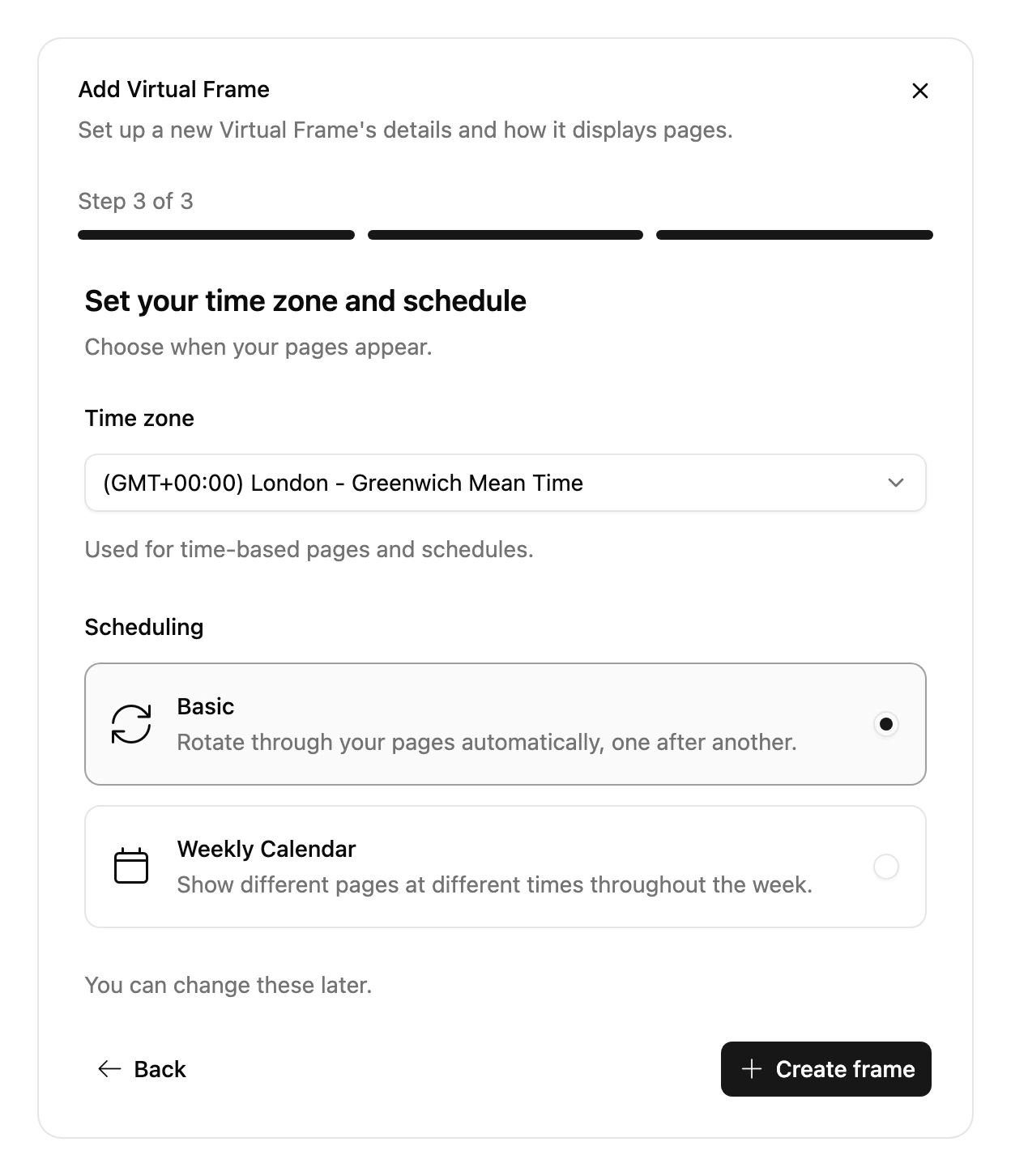
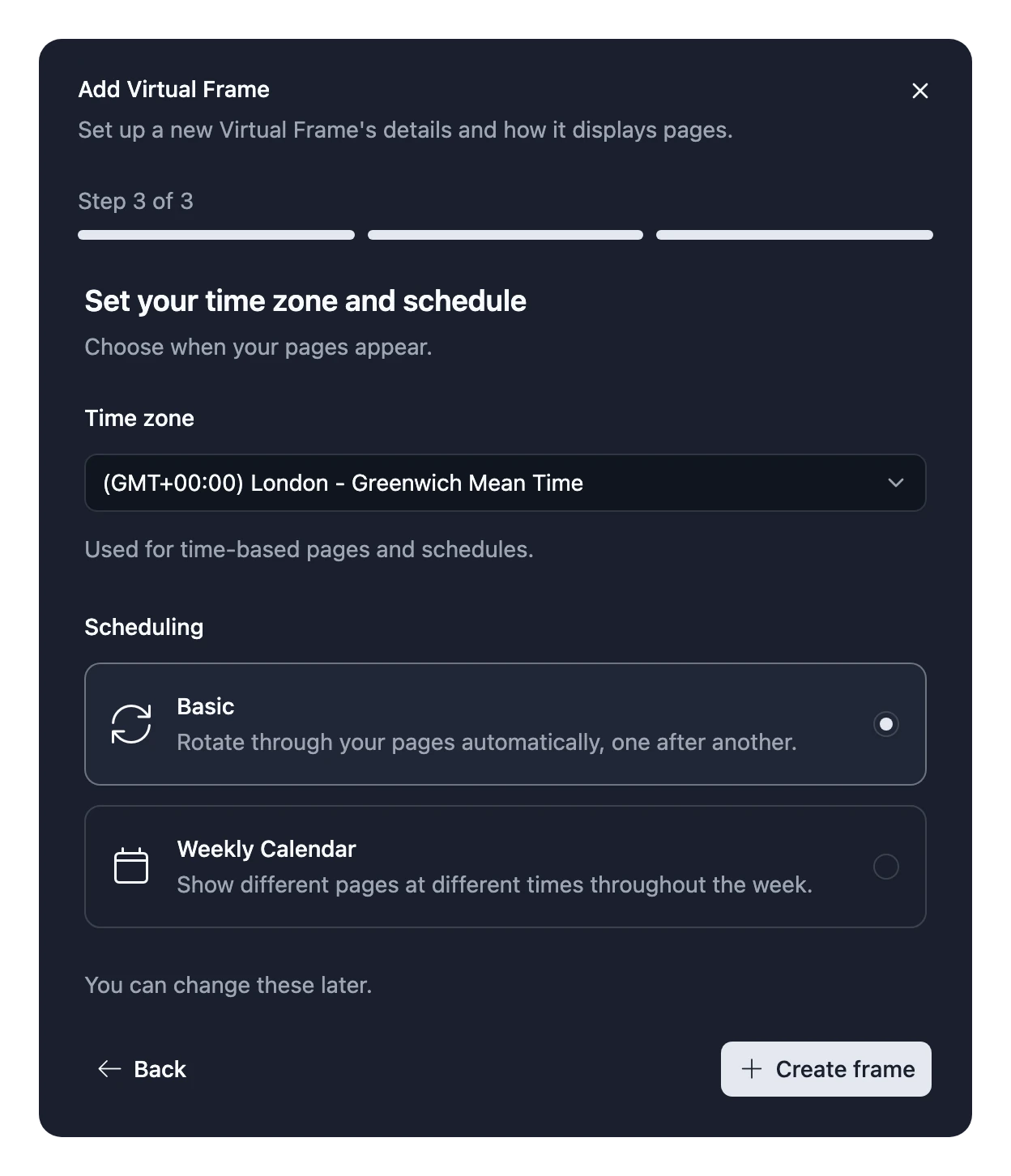
How many Virtual Frames you can have depends on your plan. The frame selector shows how many you've used. See Plans.
Move one onto a Blotch Smart Frame
You can move a Virtual Frame's Pages, Widgets and schedule onto a Blotch Smart Frame in two ways:
- When you link a new Frame, choose Copy from Virtual Frame instead of Start Fresh. See Set up your Frame.
- On a Frame you've already linked, open the Virtual Frame's Frame Settings, choose Move to Blotch Smart Frame, select the Frame and choose Convert. What the Blotch Smart Frame showed before is saved as a new Virtual Frame, so nothing is lost.
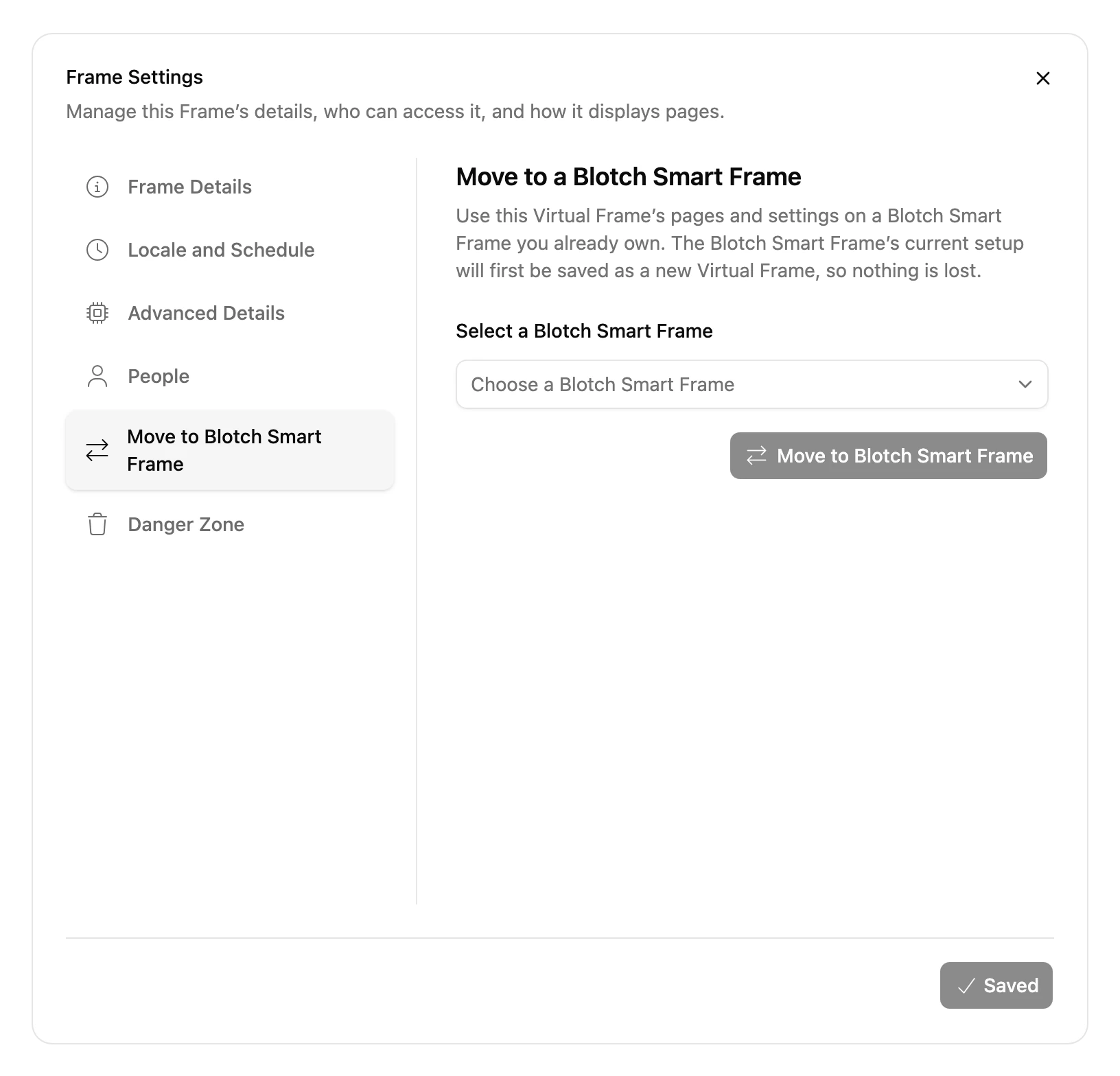
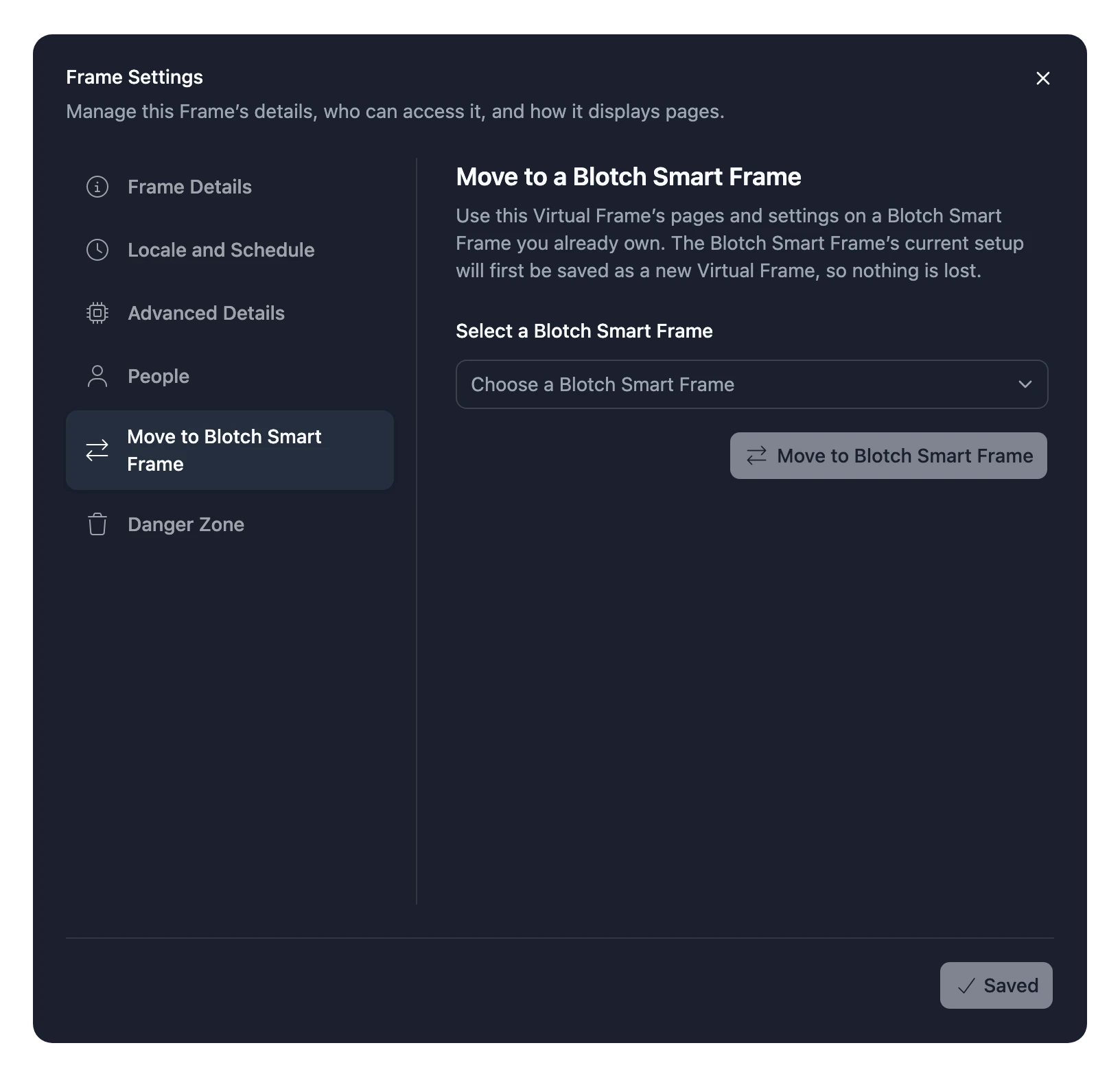
Either way the Virtual Frame is replaced by the real one, and you must be an Admin of both.