Mount it on a wall
Your Blotch Smart Frame hangs on a metal plate that you screw to the wall. If you'd rather not drill, you can use the adhesive strips in the box instead.
What's in the box
- A metal mounting plate
- 4 screws
- 4 wall plugs
- 4 pairs of adhesive strips
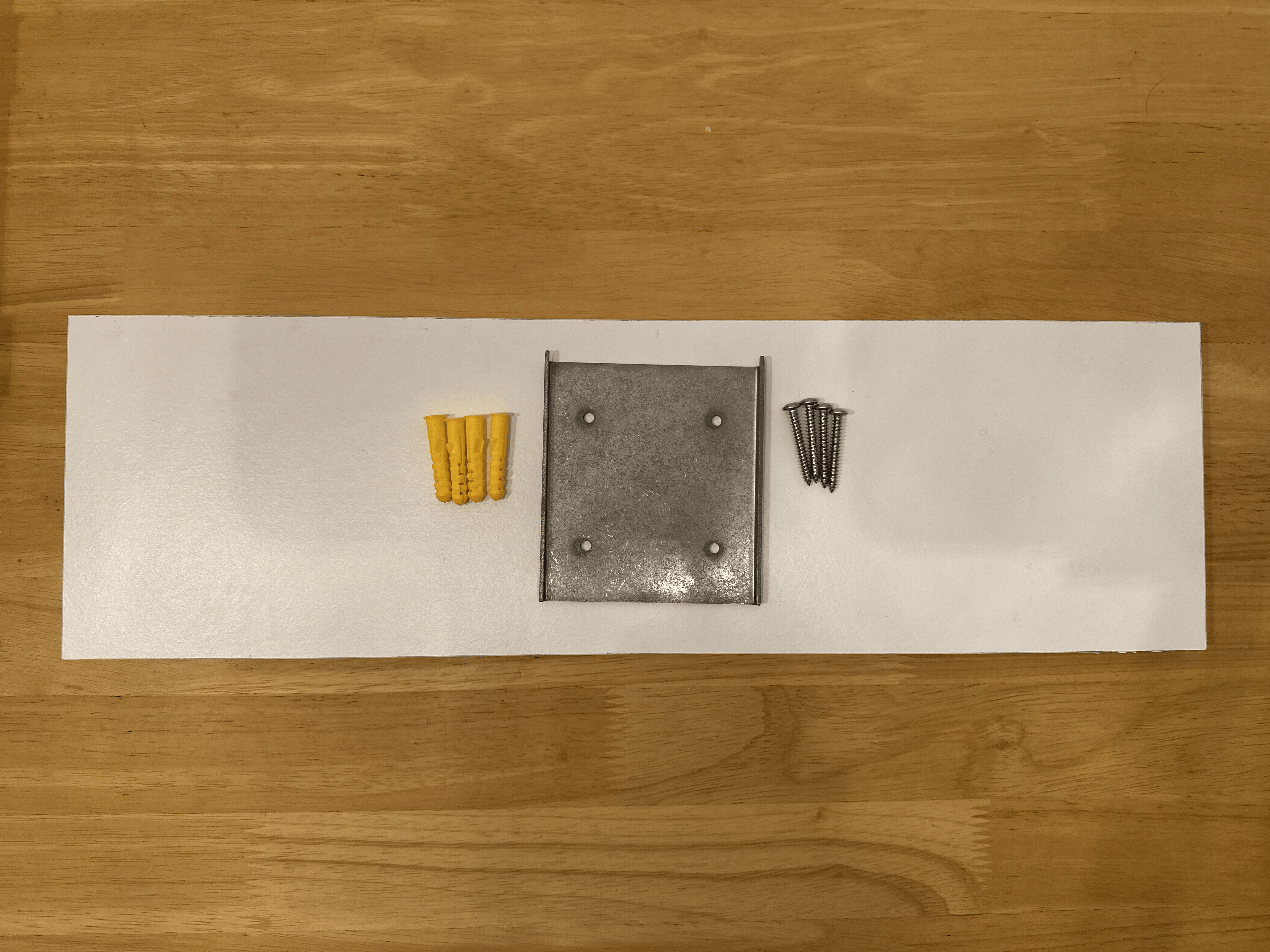
You'll also need a pencil, a drill with a bit to suit the wall plugs and your wall, and a screwdriver. A spirit level helps.
Screw the plate to the wall
-
Choose a spot. Pick a sturdy wall that can hold the Frame's weight.
-
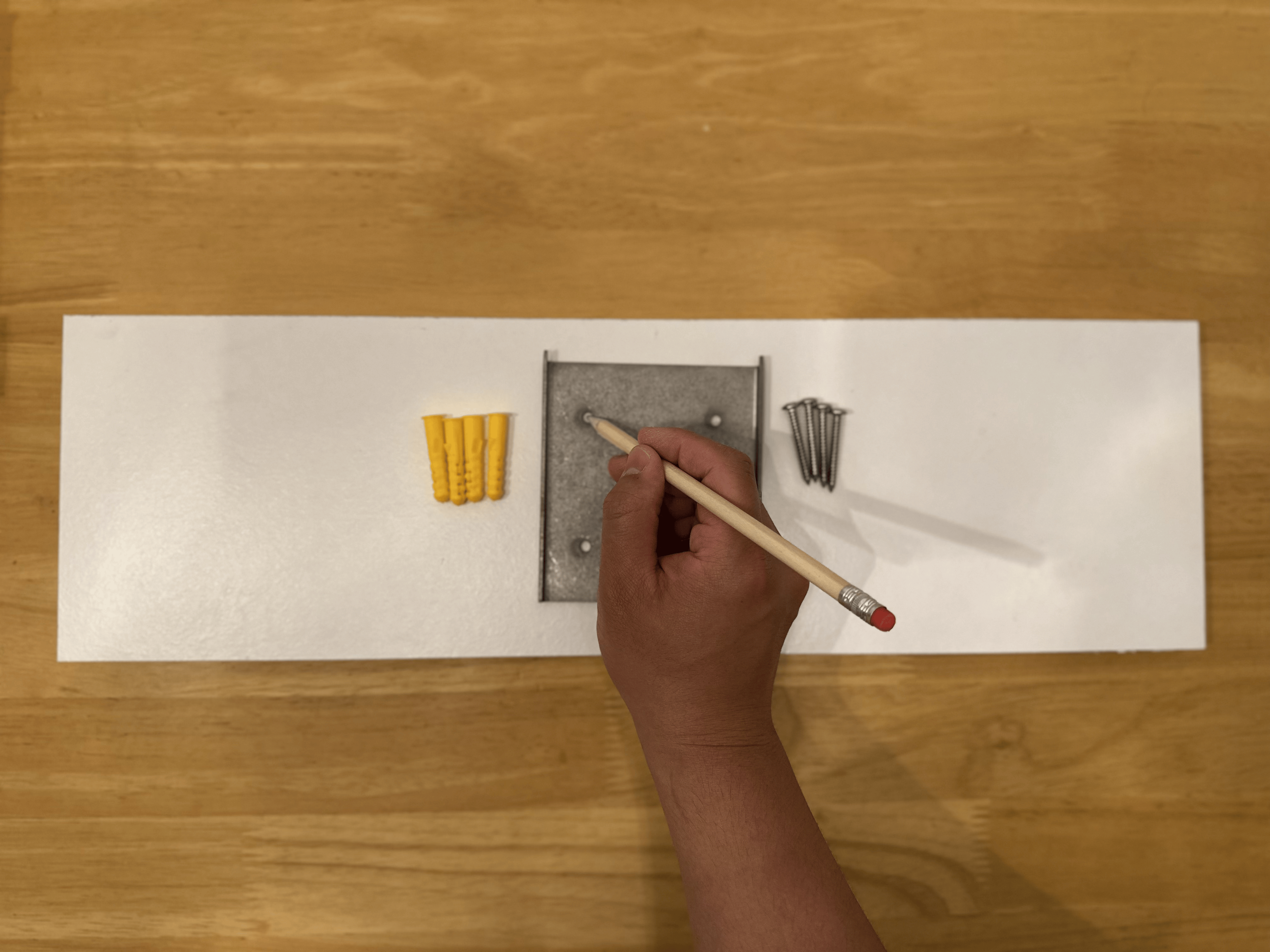
Mark the holes. Hold the plate flat against the wall with its hooks pointing up, level it, and mark the four holes through the plate with a pencil. You can also drill small pilot holes straight through the plate.
-
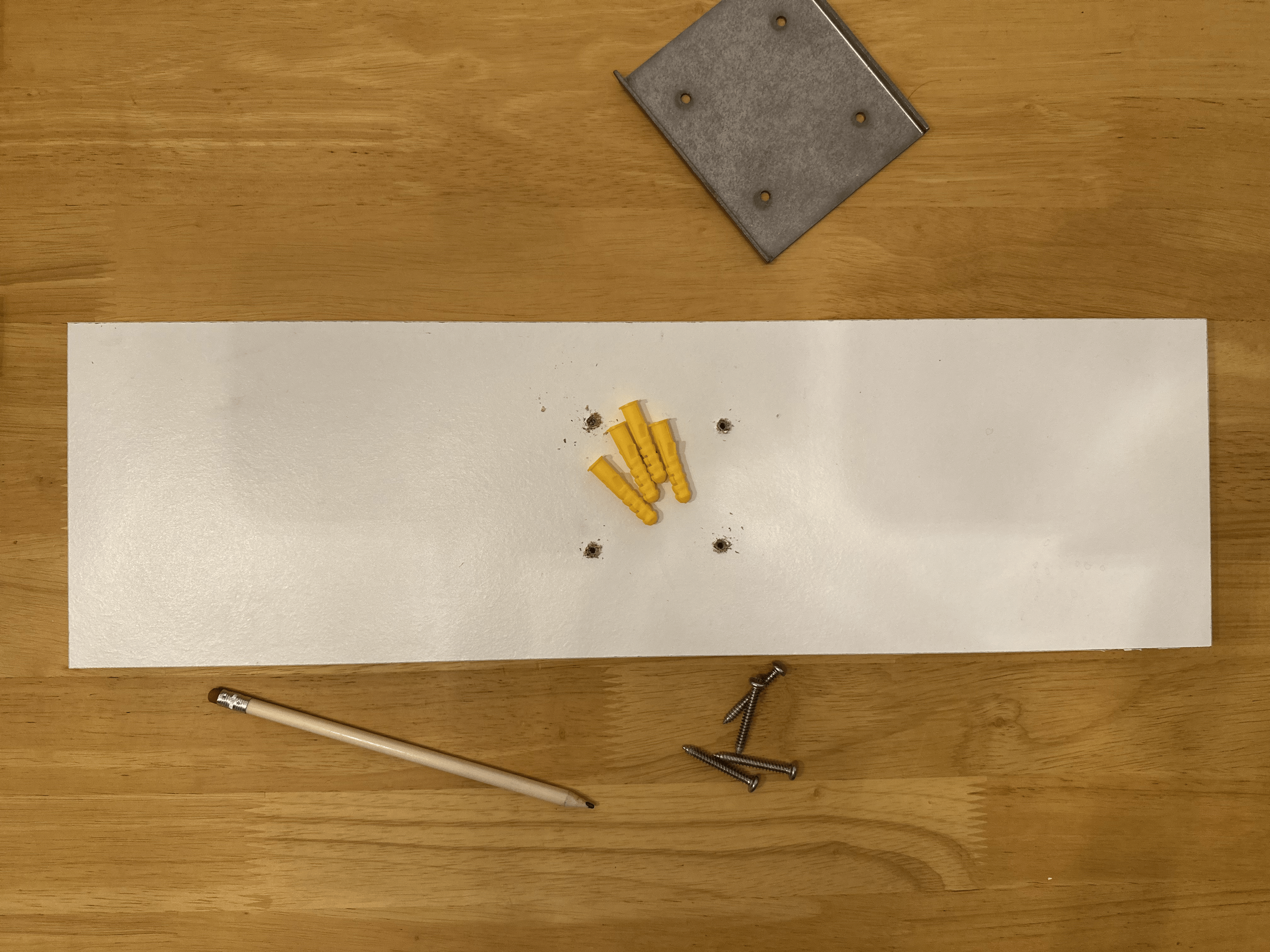
Drill the holes. Take the plate away and drill at each mark, with a bit that suits the wall plugs and your wall.
-
Fit the wall plugs. Push a plug into each hole until it sits flush with the wall.
-
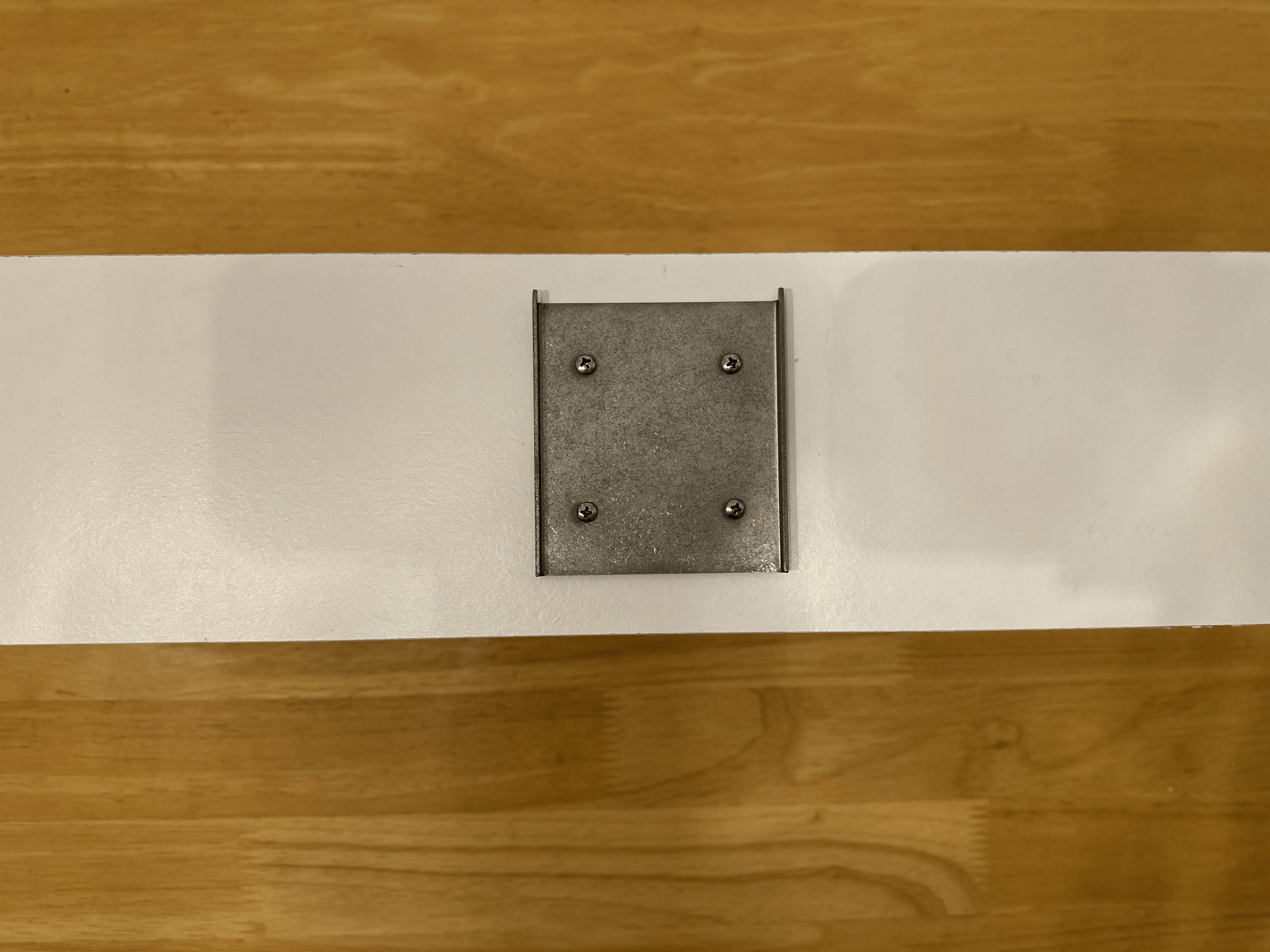
Screw on the plate. Line the plate up with the plugs and screw it to the wall until it's firm. Don't over-tighten.
Hang the Frame
Line up the holes on the back of the Frame with the hooks on the plate, then lower the Frame until it sits firmly on them.
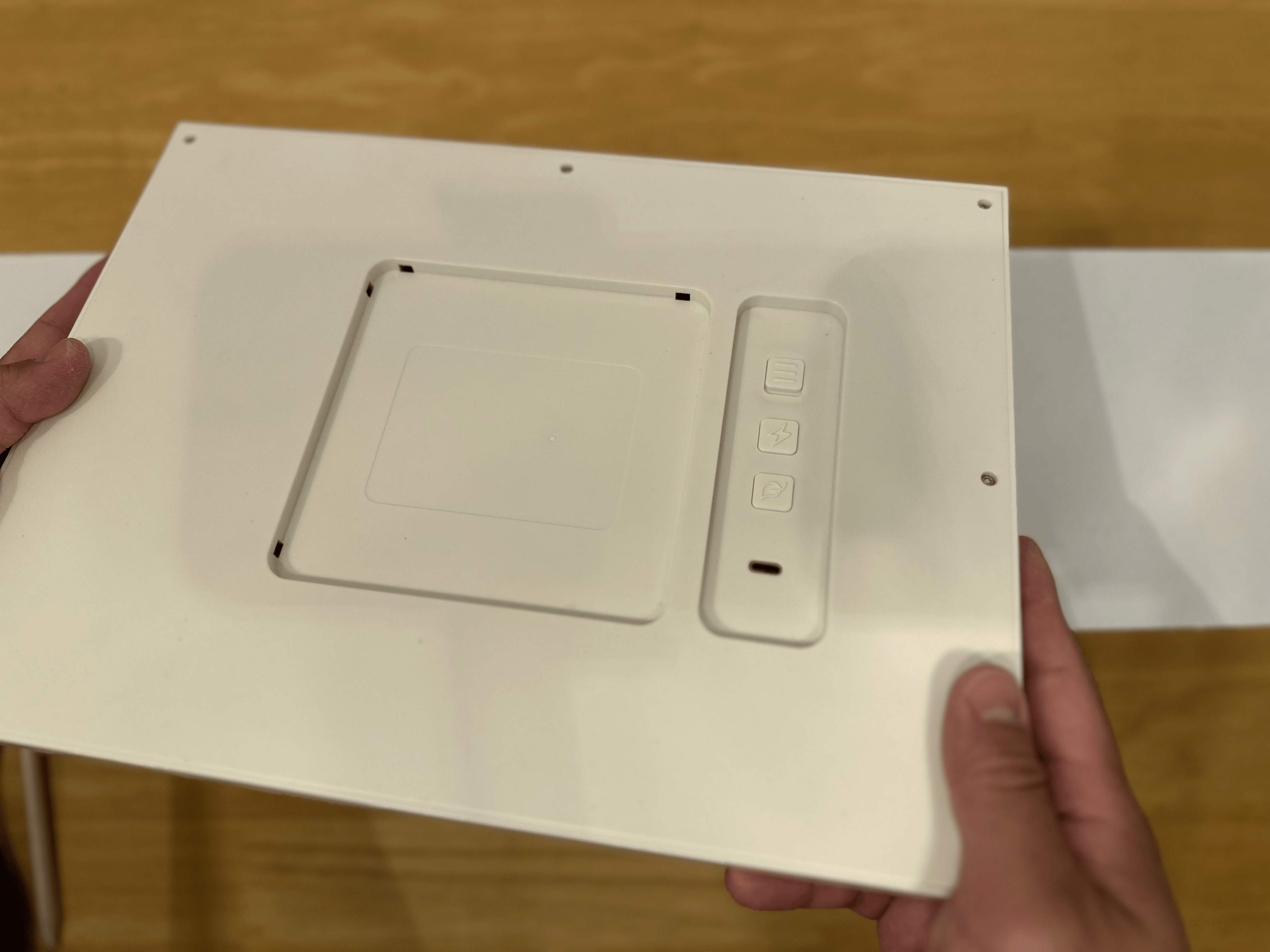
The Frame hangs either way round, landscape or portrait. Set the matching Orientation in the Console so your Pages are laid out the right way. See Frame settings.
| Landscape | Portrait |
|---|---|
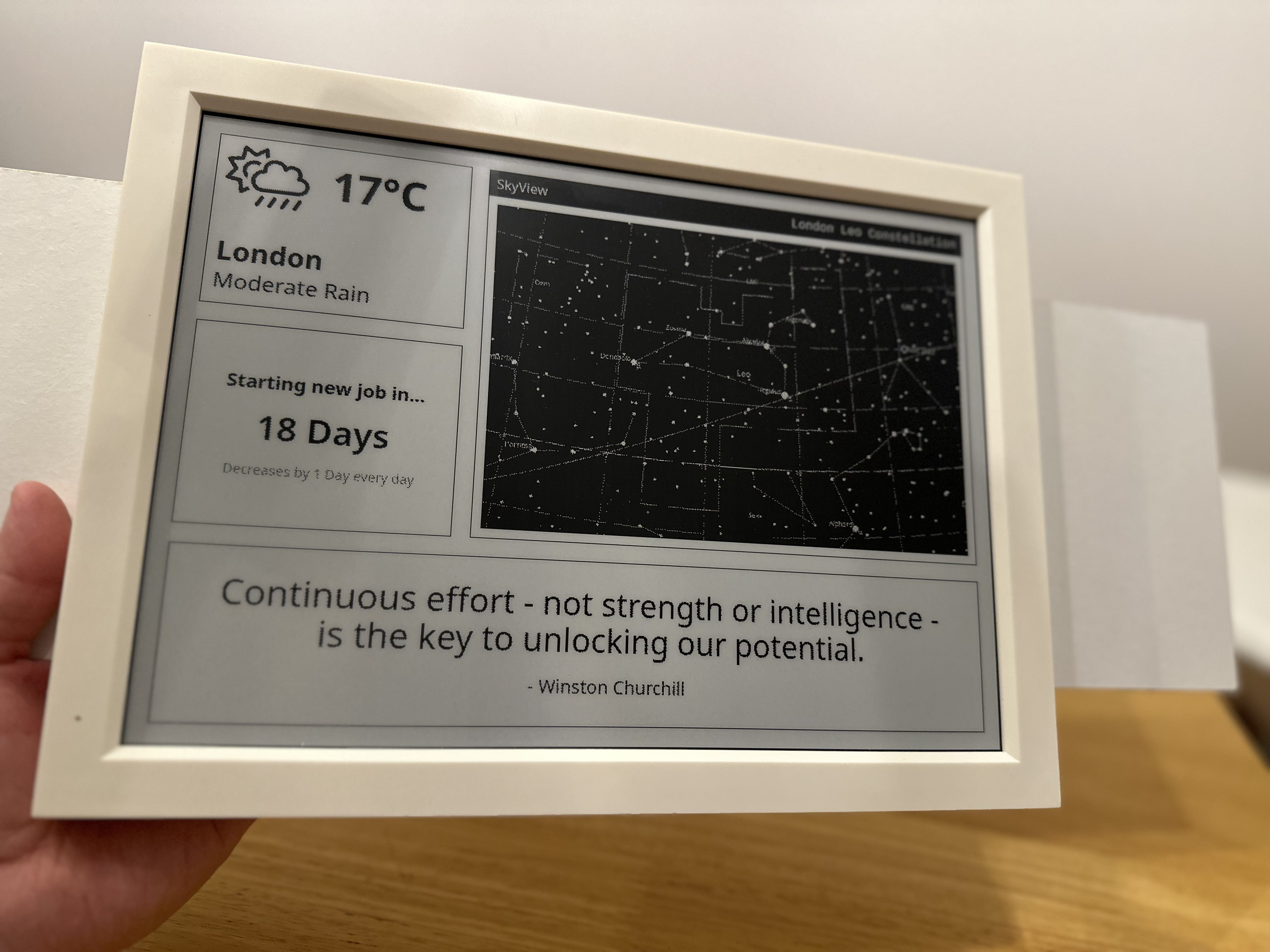 | 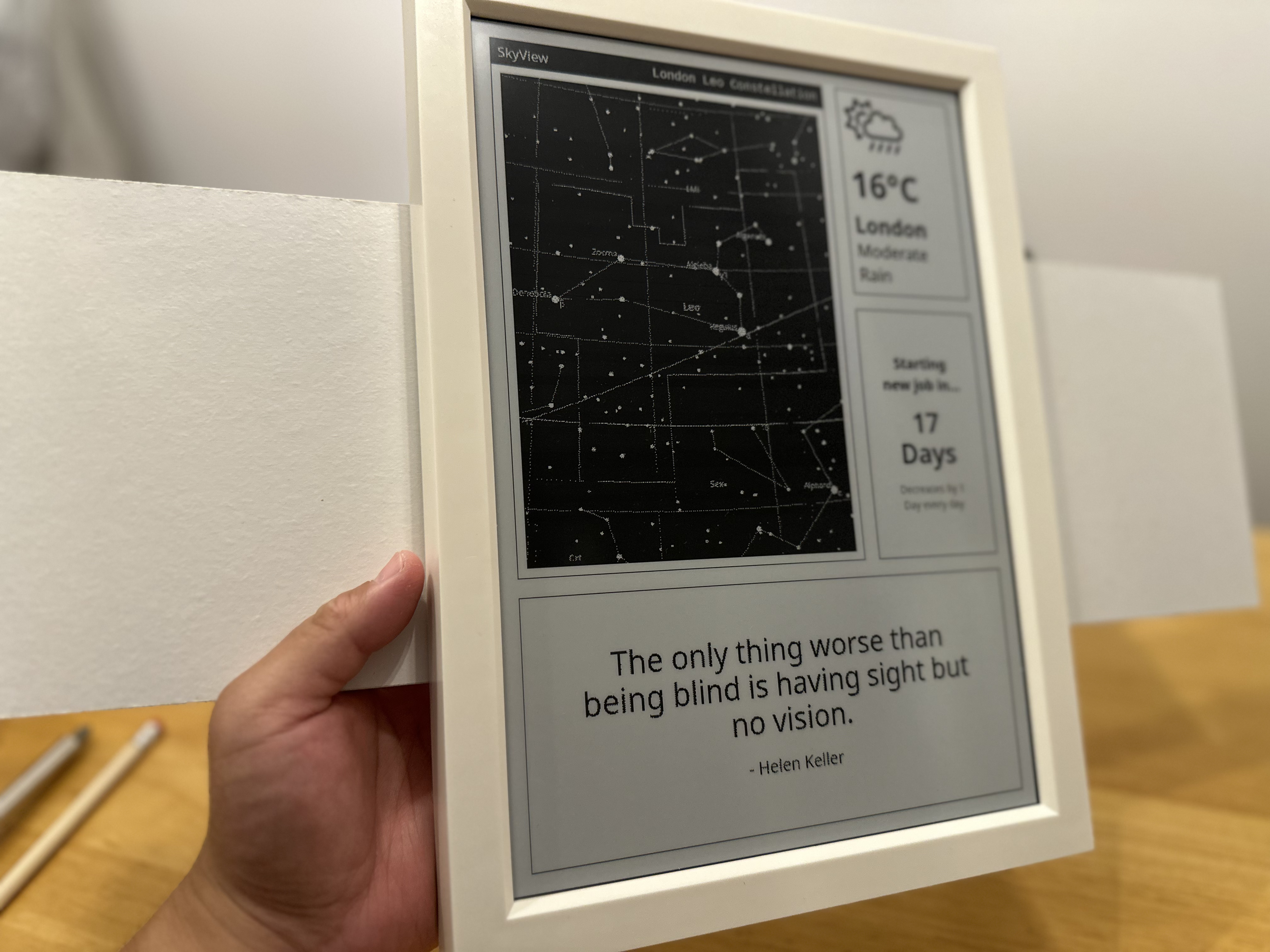 |
Use adhesive strips instead
Follow the instructions that come with the strips, and check that they can hold the Frame's weight on your wall.
Blotch accepts no responsibility for damage to the Frame, the wall or anything around it caused by using adhesive strips.
Disclaimer
It's up to whoever installs the Frame to make sure the wall and the mounting method can hold its weight. Blotch accepts no responsibility for injury, damage or loss caused by:
- Not following these instructions
- Mounting the Frame incorrectly
- Mounting it on an unsuitable wall or surface
- Mounting it in a way this guide doesn't recommend