Pro
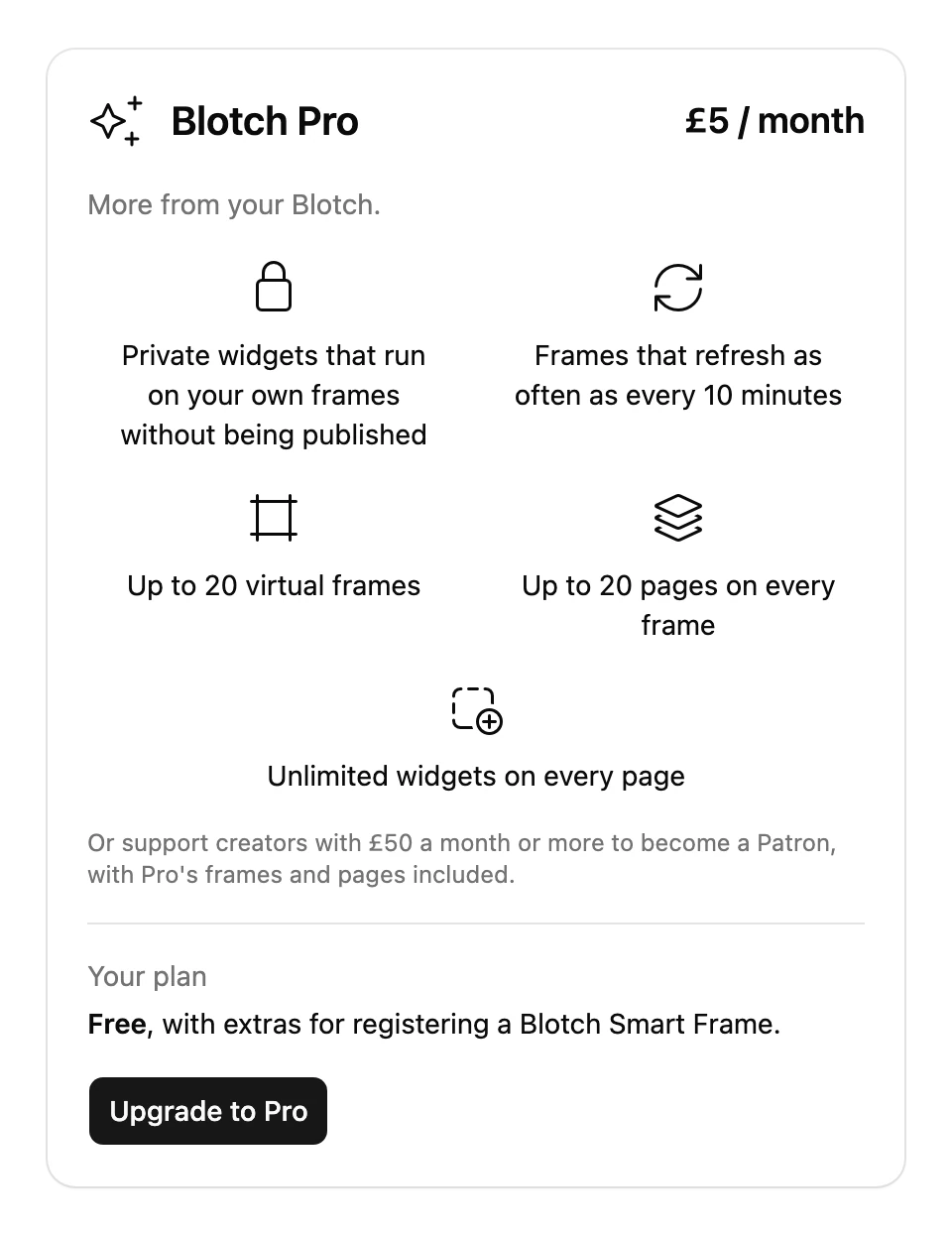
Pro is a monthly subscription for people who want more from Blotch.
What you get
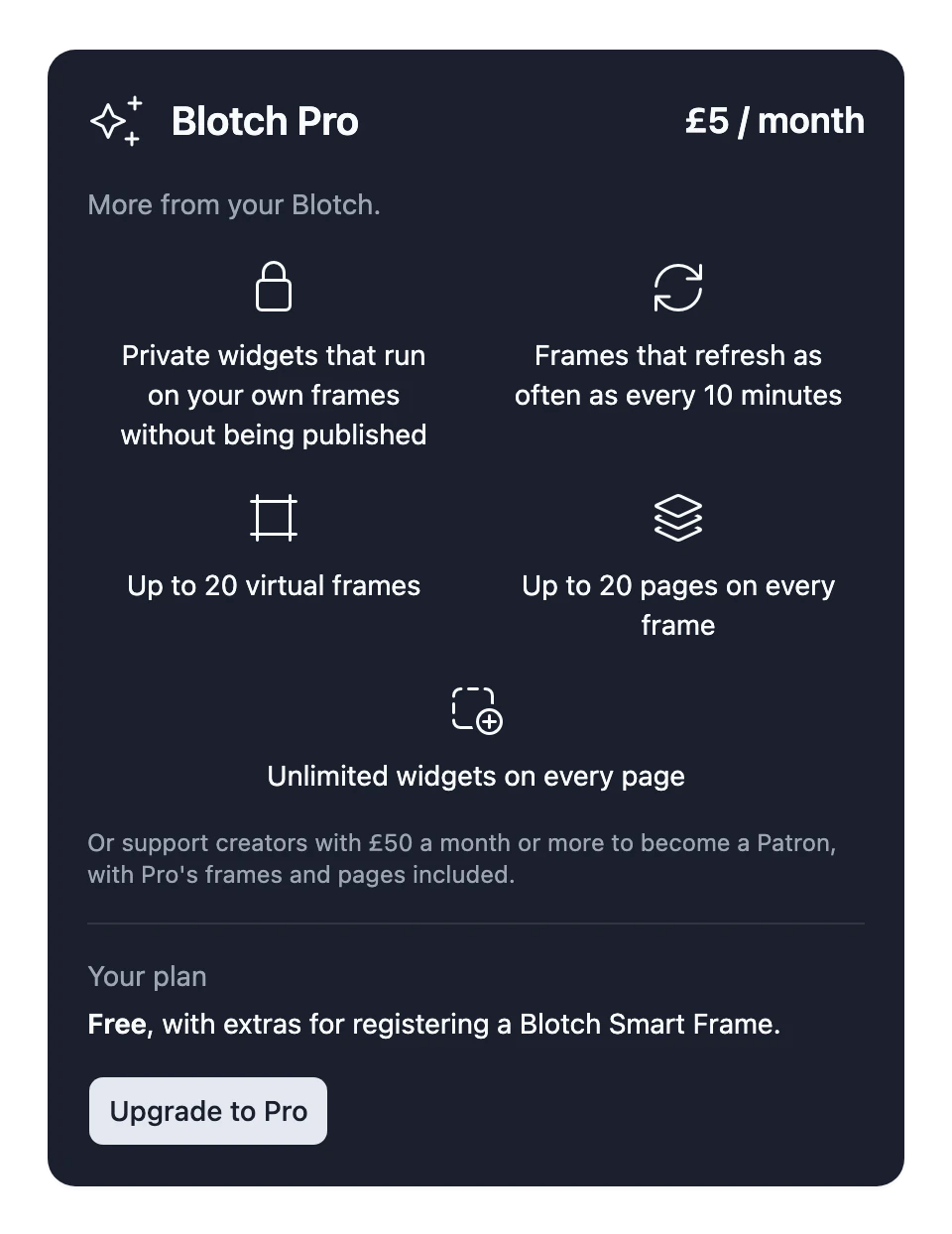
- Private Widgets that run on your own Frames without being published
- Frames that refresh as often as every 10 minutes
- Up to 20 Virtual Frames
- Up to 20 Pages on each Frame
- As many Widgets on each Page as you like
See Plans to compare Pro with the other plans.
Upgrade to Pro
- Go to the Console
- Choose the gear beside the frame selector at the top right, then My Account Settings
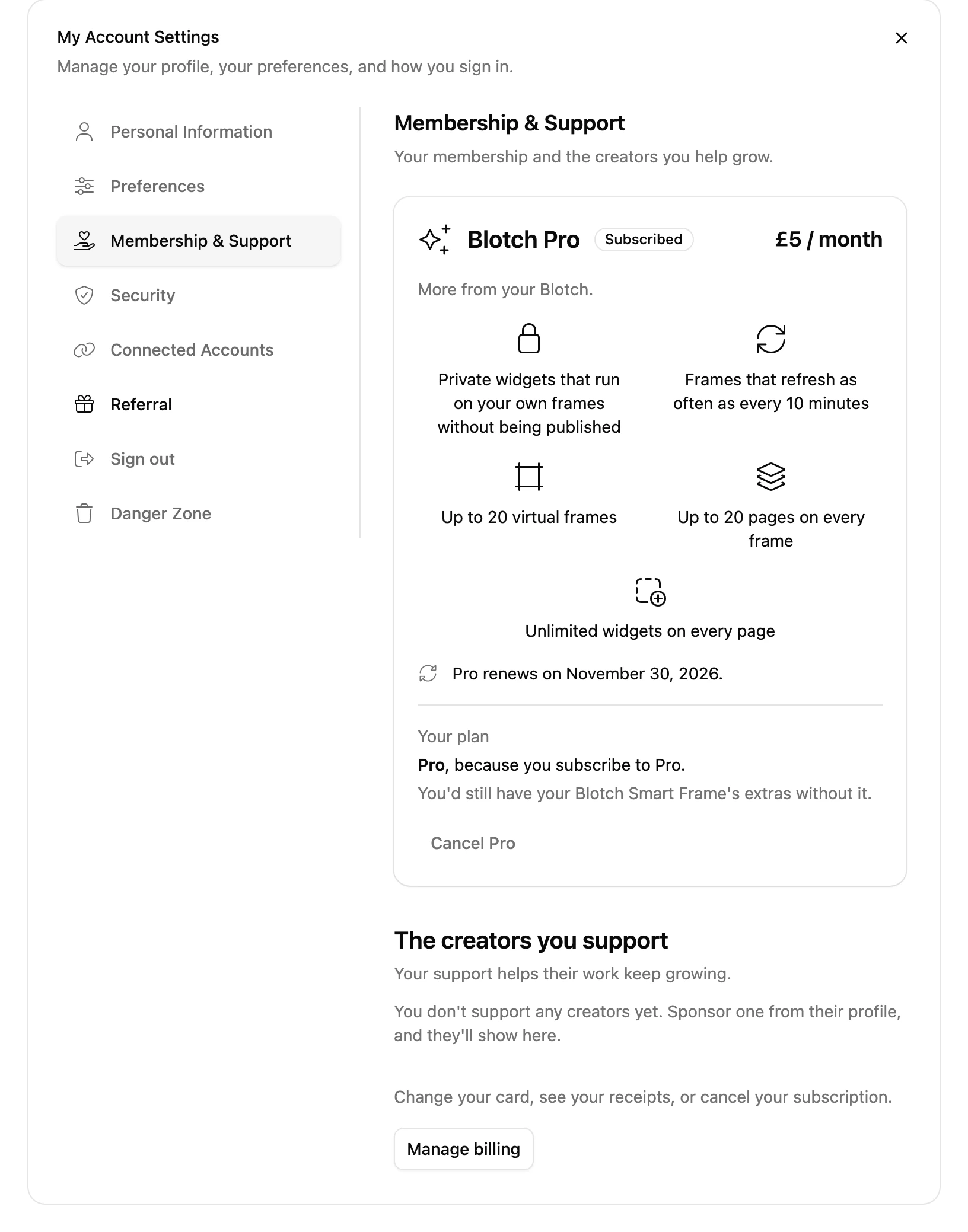
- Choose the Membership & Support tab
- Choose Upgrade to Pro
- Accept the terms of service and pay on the secure Stripe checkout page
You become Pro as soon as your payment goes through. If you have a promotion code, enter it on the checkout page.
How billing works
- Pro is billed every month, on the day you subscribed
- The price is shown on the Membership & Support tab before you pay
- Prices include VAT
- Payments are handled by Stripe, so Blotch never sees your card details
- Stripe emails you a receipt for every payment
You manage your billing in Stripe's billing portal. To open it, choose Manage billing on the Membership & Support tab. There you can:
- Update your card
- Download your invoices
- Cancel Pro
Cancel Pro
You can cancel at any time:
- Go to the Console
- Choose the gear beside the frame selector at the top right, then My Account Settings
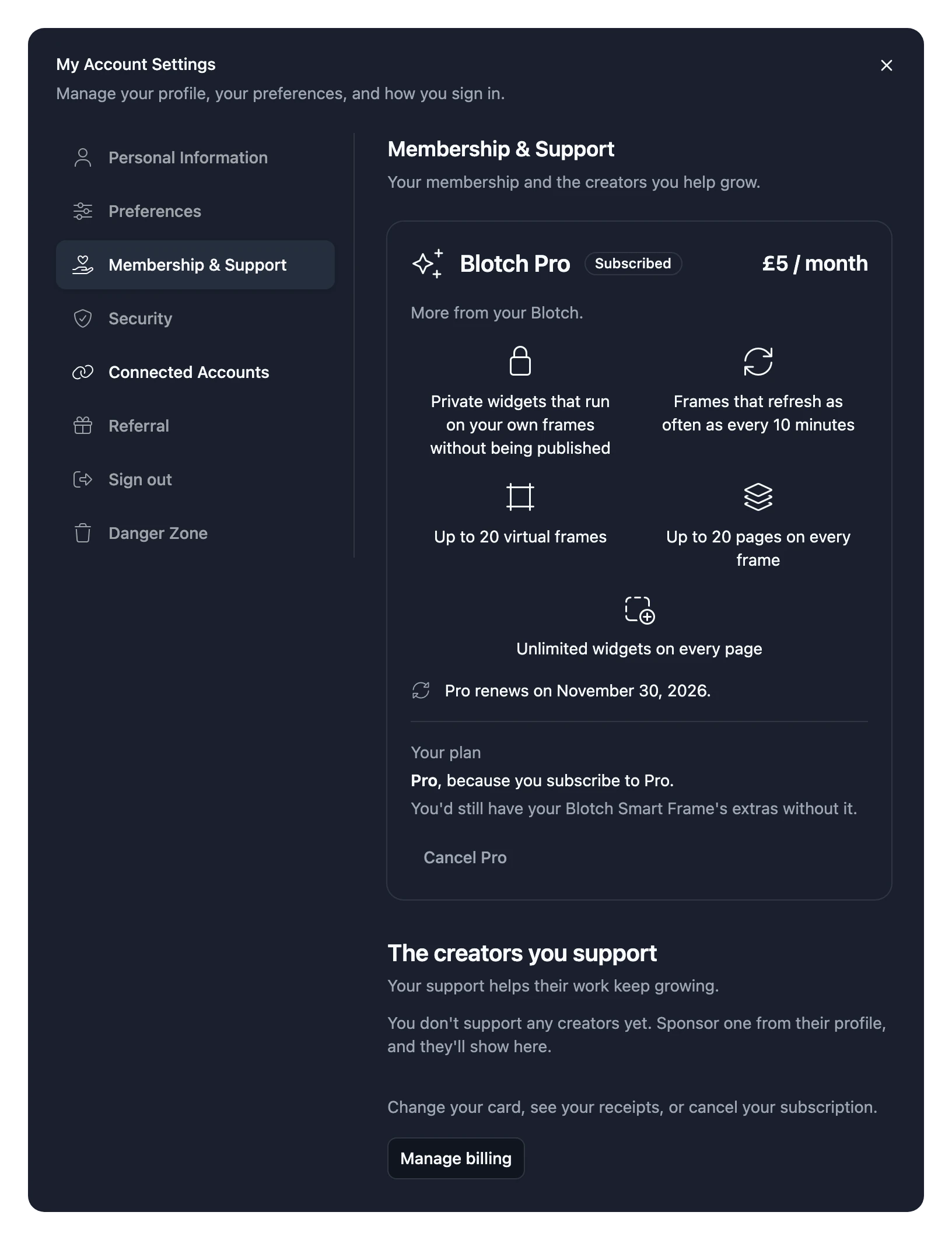
- Choose the Membership & Support tab
- Choose Cancel Pro. Blotch shows you what you'd lose when Pro ends
- Choose Cancel Pro again to confirm
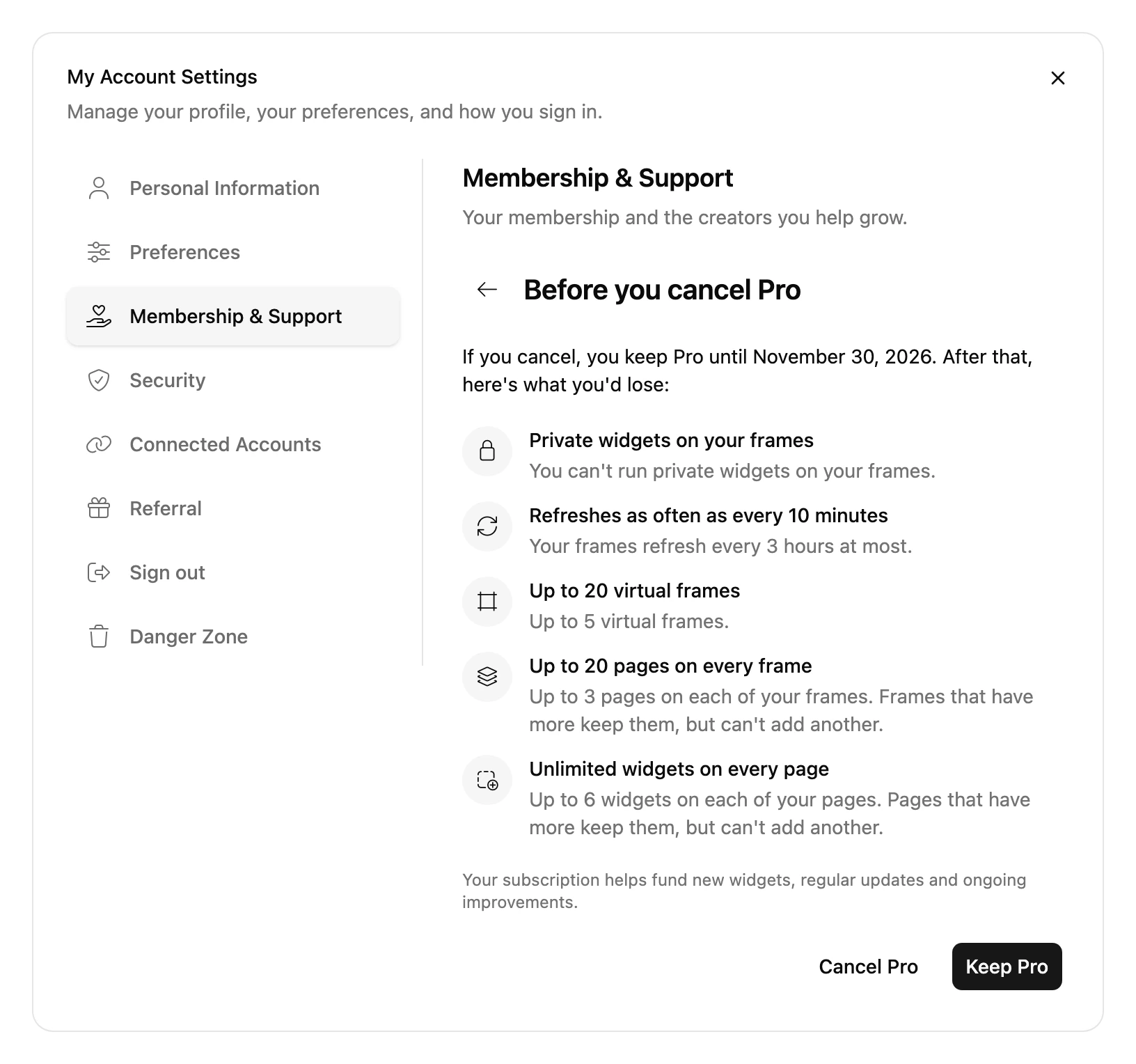
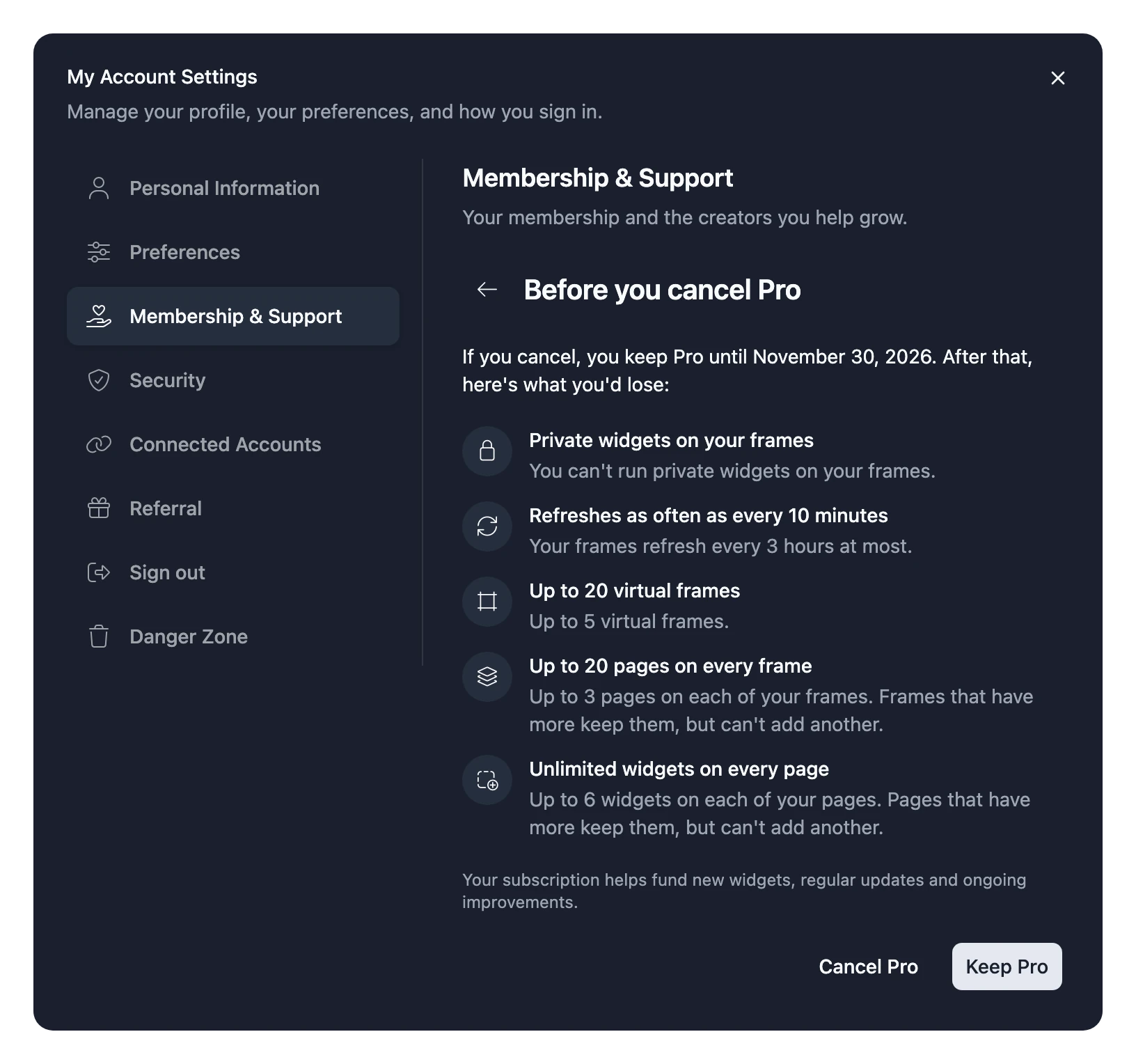
You keep Pro until the end of the month you've already paid for, and the tab shows when it ends. After that, you go back to Free. If you own a Blotch Smart Frame, you keep its extras.
You can subscribe again once your Pro has ended.
If a payment fails
If your card is declined, you keep Pro while Stripe tries the payment again. A notice on your dashboard tells you when a payment needs your attention.
To fix it, choose Update card on that notice, or on the Membership & Support tab, and add a card that works. Stripe uses your new card the next time it tries.
If Stripe still can't take the payment after a few tries, your Pro subscription ends. You move to the best plan you still qualify for, and you can subscribe again at any time.