Input types
Each Input has a type, which decides the field people fill in and what useInputs gives your code. Any Input left blank comes as undefined.
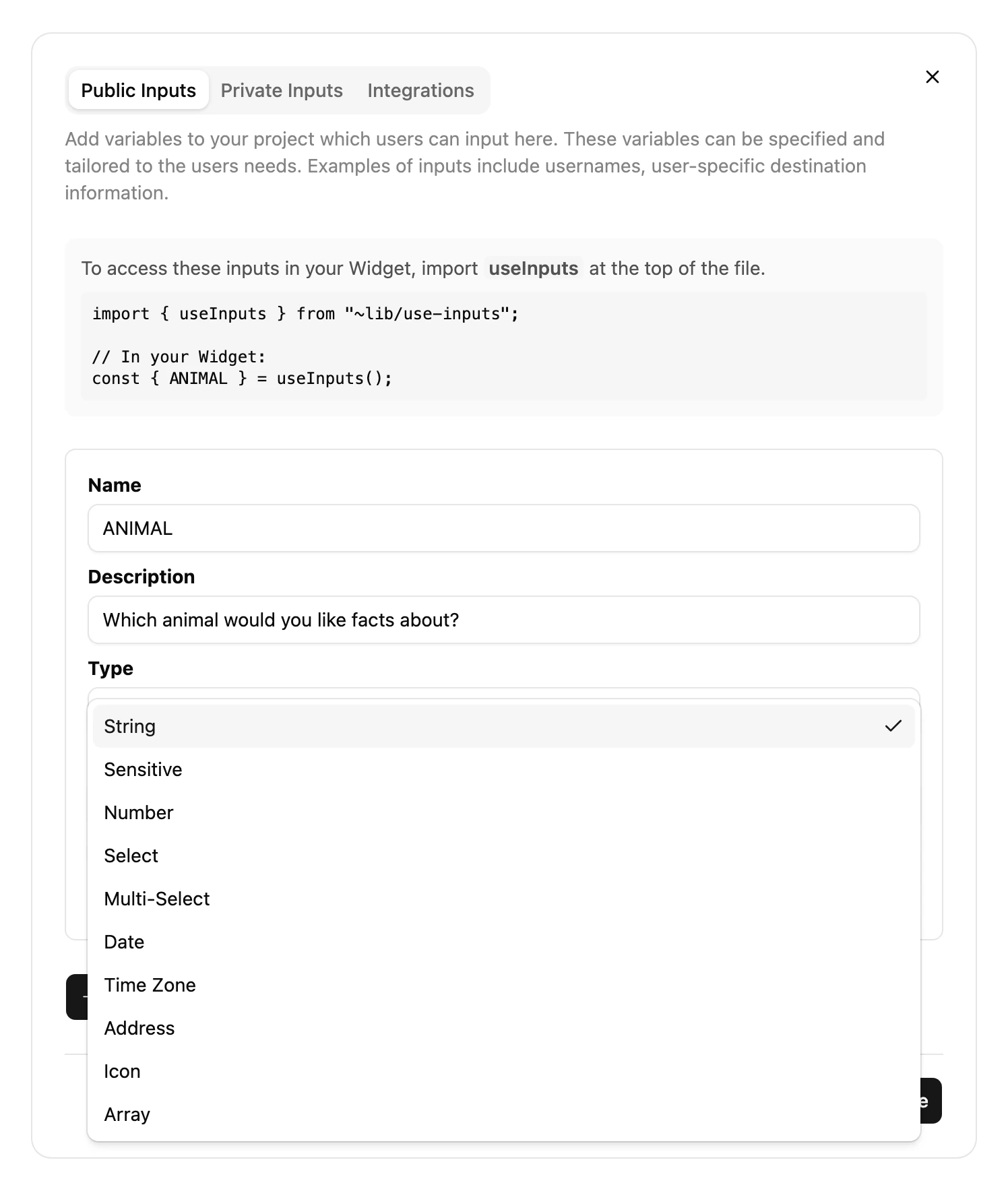
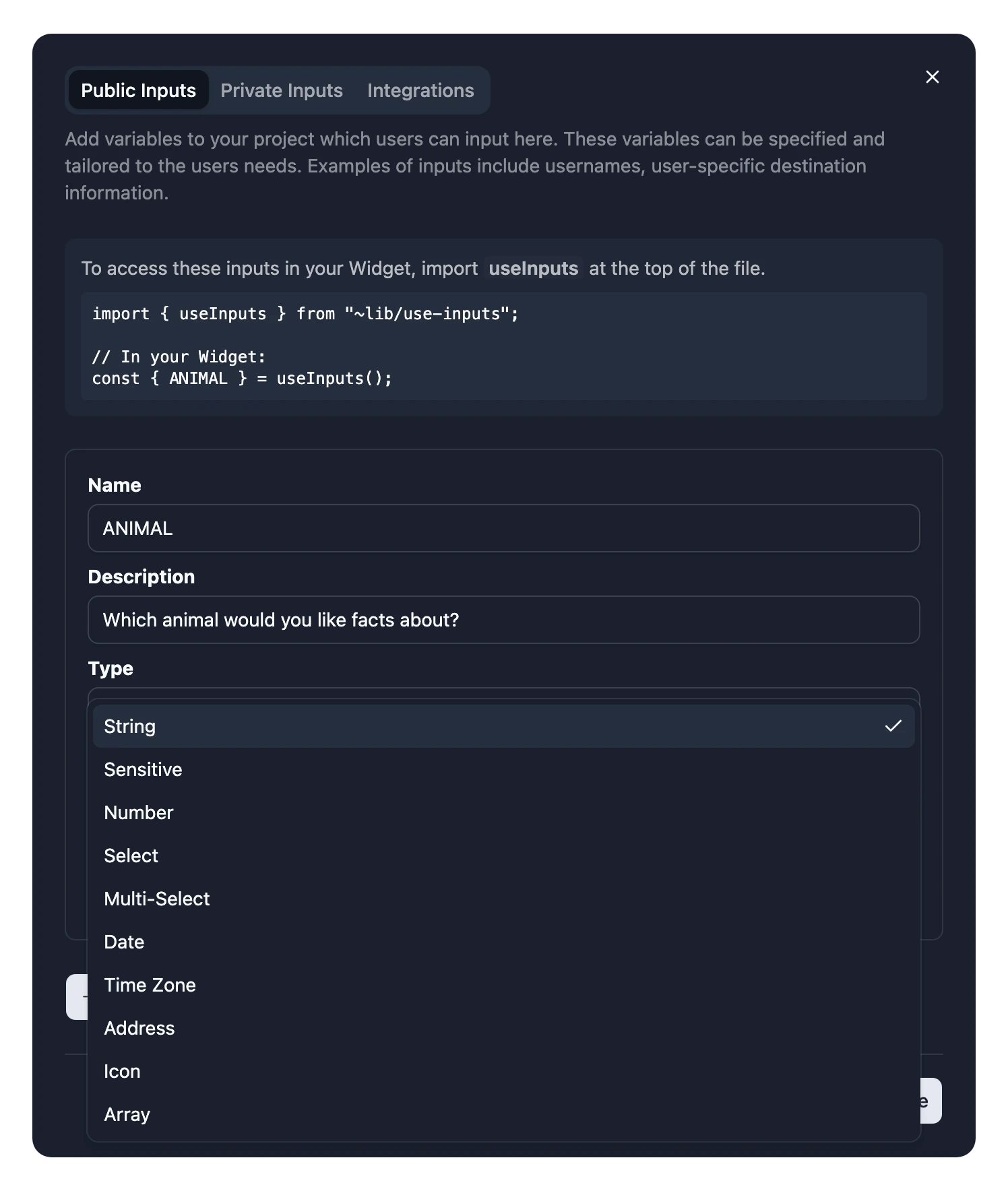
| Type | People fill in | Your code gets |
|---|---|---|
| String | A line of text | string |
| Sensitive | Text that's hidden as it's typed | string |
| Number | A number | number |
| Select | One choice from your list of options | string |
| Multi-Select | Any number of choices from your list | string[] |
| Date | A date, from a date picker | Date |
| Time Zone | A time zone, from a list | string, such as "Europe/London" |
| Address | An address, with suggestions | string |
| Icon | An icon, from an icon picker | string: pass it through inputIconName |
| Array | A list of values of another type | An array of that type's values |
String
Free text, such as a city name, a stock symbol or a search term.
Sensitive
Text that's hidden as it's typed, like a password. Use it to ask for something private to the person installing your Widget, such as their own API key or a private calendar link. For a key of your own, use a Private Input instead.
Number
A number, such as how many headlines to show.
Select
One choice from a list of options you write, such as a currency or a news source. Write options for people to read, and turn them into codes in your Widget. See Make Select options readable.
Multi-Select
Any number of choices from your list. Options can't contain commas.
Date
A date, such as a birthday or the day of an event. It comes as a Date at midnight UTC on that day, so read it with timeZone: "UTC" to get the same day back:
DATE.toLocaleDateString(undefined, {
  timeZone: "UTC",
  day: "numeric",
  month: "long",
});
Time Zone
A time zone, as its IANA name, such as "Europe/London". Pass it as timeZone when you format a time. To use the Frame's own time zone, you don't need an Input: use useTimeZone.
Address
An address or place, with suggestions as people type. Turn it into coordinates with useGeocode.
Icon
An icon people pick. Draw it with Icon, passing the value through inputIconName:
import { Icon, inputIconName } from "~lib/icon";
import { useInputs } from "~lib/use-inputs";

export const Widget = () => {
  const { ICON } = useInputs();
  const name = inputIconName(ICON);

  return name ? <Icon name={name} size={64} /> : null;
};
Array
A list of values, all of one Item Type, such as several stock symbols. The Item Type can be any type except Array and Sensitive. When it's Select or Multi-Select, also set its Item Options.