Getting paid as a creator
If you build Widgets for the Blotch community, other people can sponsor you. Sponsorships are paid into your bank account by Stripe.
Who can receive sponsorships
You can receive sponsorships when:
- Your email address is verified
- You have published at least one Widget for everyone. A Private Widget doesn't count.
- You live in the UK, the European Economic Area, the United States, Canada or Switzerland
Stripe also checks your identity, and that you're old enough to be paid.
Set up payouts
- Go to the Console
- Choose the gear beside the frame selector at the top right, then My Account Settings
- Choose the Creator payouts tab. It appears once you meet the first two conditions above.
- Choose your country and choose Set up payouts. You can't change the country afterwards.
- Follow Stripe's steps. Stripe asks for your identity details and your bank account, and keeps them safe. Blotch never sees them.
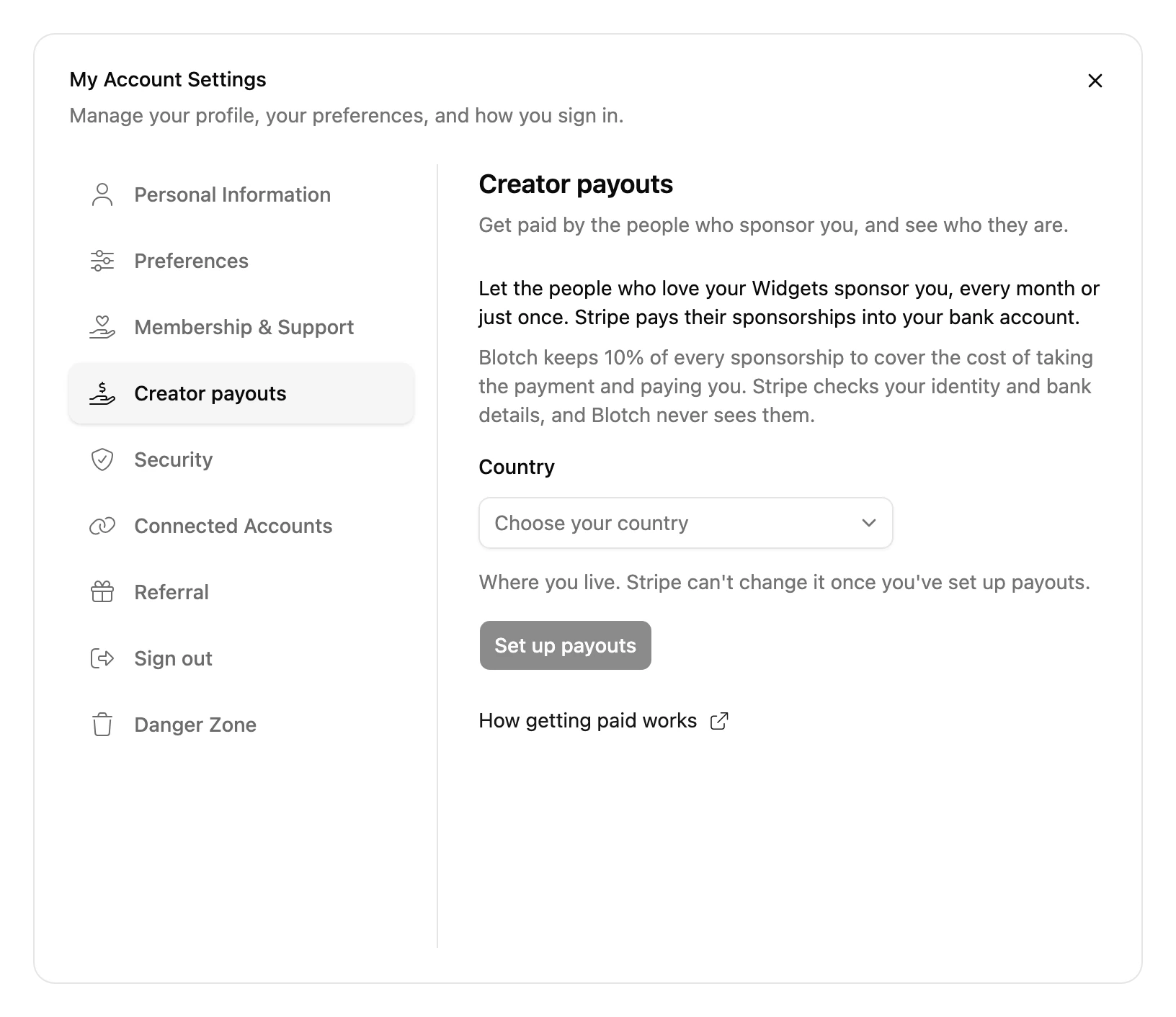
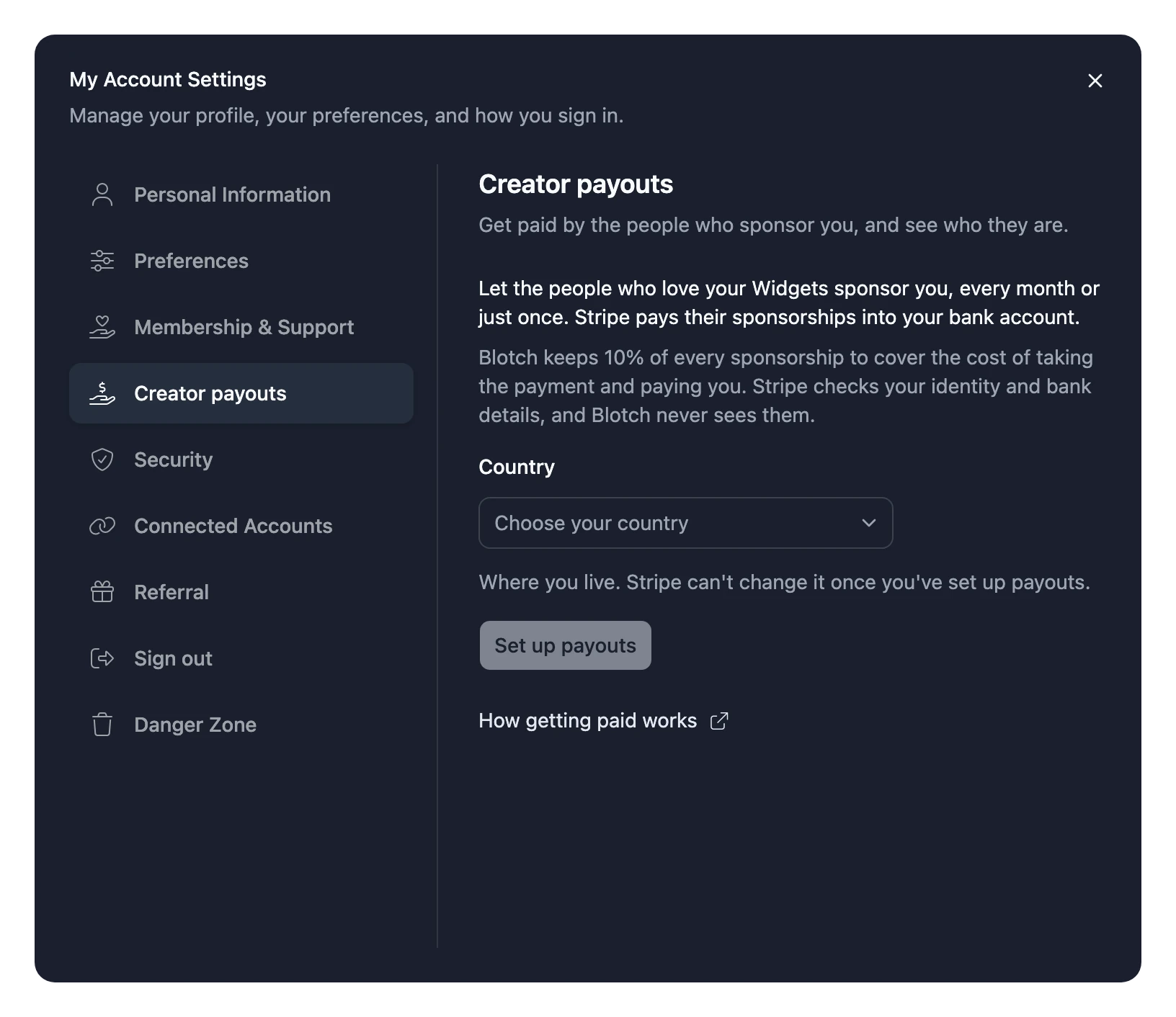
When you finish, Stripe brings you back to the Console. Once Stripe has checked your details, a Sponsor button appears on your profile, and people can start sponsoring you.
If you stop part-way, choose Continue setup on the Creator payouts tab to carry on where you left off.
If Stripe needs more details
Sometimes Stripe asks for more information later on. When it does, you get a notification, and the Creator payouts tab shows Continue setup again.
Until you sort it out, your monthly sponsorships are paused, so your sponsors aren't charged and you aren't paid. They start again once Stripe has what it needs.
Fees
Blotch keeps a platform fee of 10% of every sponsorship. It covers the cost of taking the payment and paying you. You receive the other 90%, so a £10 sponsorship pays you £9.
Sponsorships are paid in pounds sterling (GBP). If your bank account is in another currency, Stripe converts the money when it pays you.
When someone sponsors you
You get an email and a notification each time someone sponsors you. The Creator payouts tab lists your sponsors and how much they've given.
Payouts and tax forms
Choose Open Stripe dashboard on the Creator payouts tab. In Stripe's dashboard you can:
- See your balance and your payouts
- Change your bank details
- Download your tax forms
See Sponsoring creators for how sponsoring works for the people who sponsor you.